


Be Prepared: Fill the Gaps in Your Photoshop Know-How

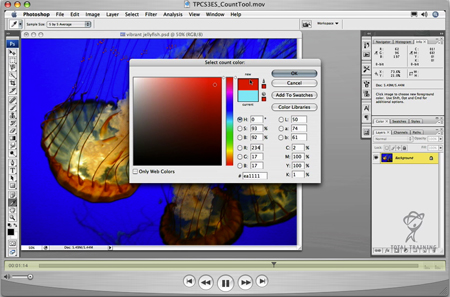
Courtesy of Total Training
It’s next to impossible for one person to know the ins and outs of every single facet of Photoshop. With that in mind, we present three video tutorials to plug a variety of holes in your Photoshop knowledge:
- Aspects of the Ruler you may not have used
PSCS3_Using_Rulers.wmv (4.3 MB) - The new Count tool: What it is and how to use it (Photoshop CS3 Extended only)
TPSCS3ES_CountTool.mov (4.9 MB) - Smart Objects: How to edit them and why to use them for raster objects
TPCS3ES_SmartObject.mov (8.1MB)
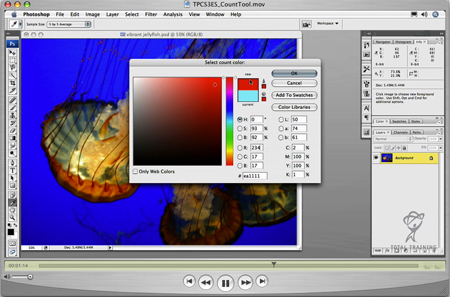
A still from the Count Tool tutorial.
Copyright © 2007, Total Training
This article was last modified on January 4, 2023
This article was first published on July 13, 2007
Commenting is easier and faster when you're logged in!

Recommended for you

CreativePro Tip of the Week: Using the HUD (Heads-Up-Display) Color Picker in Photoshop
This CreativePro Tip of the Week on using the HUD (Heads Up Display) Color Picke...
Creating a Panorama: Photoshop, Camera Raw, or Lightroom?
When a scene is wider than your widest lens, merging images into a panorama is a...
Top Tips for Photoshop Book Now Available!
Twenty of our most popular Photoshop tutorials curated and collected in a conven...