



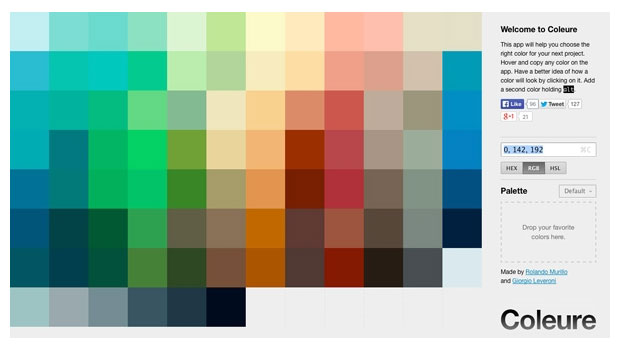
Sick and tired of the same old color pickers you’ve been using for years? Want something fresh and easy to use?
Check out Coleure.com where you can find a web app color picker that allows you to simply move your cursor over large swatches to see their values in hex, sRGB, and HSL.

Hex values can be directly copied and pasted directly into applications like Photoshop, Illustrator, Dreamweaver, etc.
Or you can drag and drop a swatch into a plain text file to save all the color values.

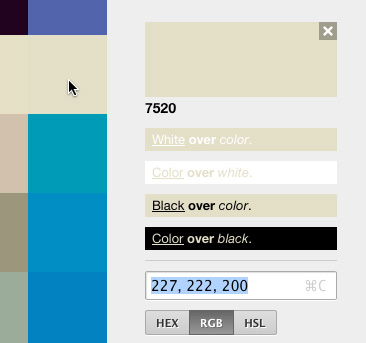
You can click on a color to save it on the side and see how it looks on or under black or white.
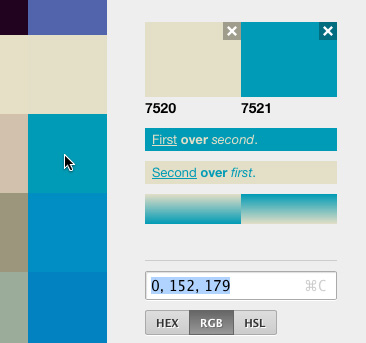
And by Option/Alt clicking, you can compare two colors, and see what they’d look like as a gradient.
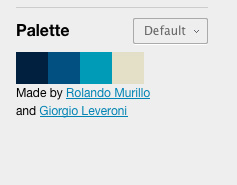
Furthermore, you can save your own color palettes by dragging and dropping swatches into groups.

This article was last modified on July 27, 2021
This article was first published on March 6, 2014
Commenting is easier and faster when you're logged in!

Recommended for you

Creative Cloud Assets New Web Interface
An important part of the infrastructure of Adobe Creative Cloud applications is...

Design How-To: Using Ghosted Backgrounds
A beautiful technique that's unusually easy to design: ghost and repeat a foregr...

Create an Amazing Escher-Like Face in Photoshop
The technique of “unwinding” a face was first explored by the Dutch...