



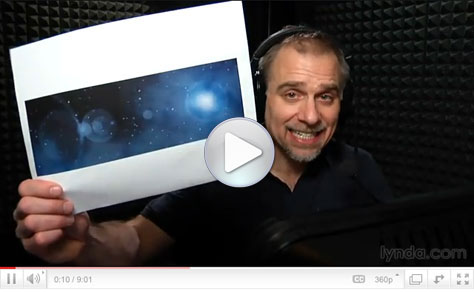
You could call this Photoshop how-to “Deke… In… SPAAAAACE!” In this eight-minute video, I’ll show you how to go from a plain black rectangle to a cosmic scene complete with stars, planets, and space gas.
All it takes is Photoshop’s Add Noise and Gaussian Blur filters, some Levels adjustment, strategically placed Lens Flare, and you’ll have a universe suitable for Web and print projects.
Click the screenshot below to view the step-by-step tutorial video:
This article was last modified on January 6, 2023
This article was first published on April 7, 2011
Commenting is easier and faster when you're logged in!

Recommended for you

Turn Your Mobile Phone into a Microscope With the Micro Phone Lens
Got a smartphone or tablet? Like macro photography? Then you might want to check...
Meet the Neo SmartPen: A New Way to Draw
As an artist who specializes in combining traditional and digital tools, I’m alw...
5 Ways Photography Skills Can Improve Your Graphic Design
For some, making the connection between photography and graphic design is pretty...