



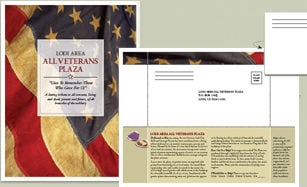

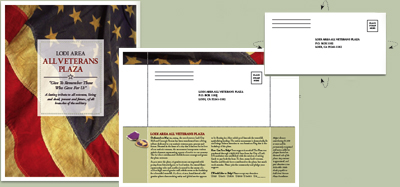
When you need an attractive but inexpensive way to catch people’s attention and make it easy for them to respond, try a flier that tells your story and collects the information. It’s easy to turn a letter-sized sheet of paper into a flier that folds to become its own return envelope.
Our agreement with Before & After magazine has ended, but you can still read this article by purchasing it from the magazine.
This article was last modified on January 10, 2022
This article was first published on February 3, 2006
Commenting is easier and faster when you're logged in!

Recommended for you

You Can Tell a Lot About These Books By Their Covers
Two UK publishers rely on on standout covers in order to sell publications. Terr...

Tip of the Week: Finding Without the Find/Change Dialog Box
Sign up for the InDesign tip of the week to get a new tip, roundups of new artic...
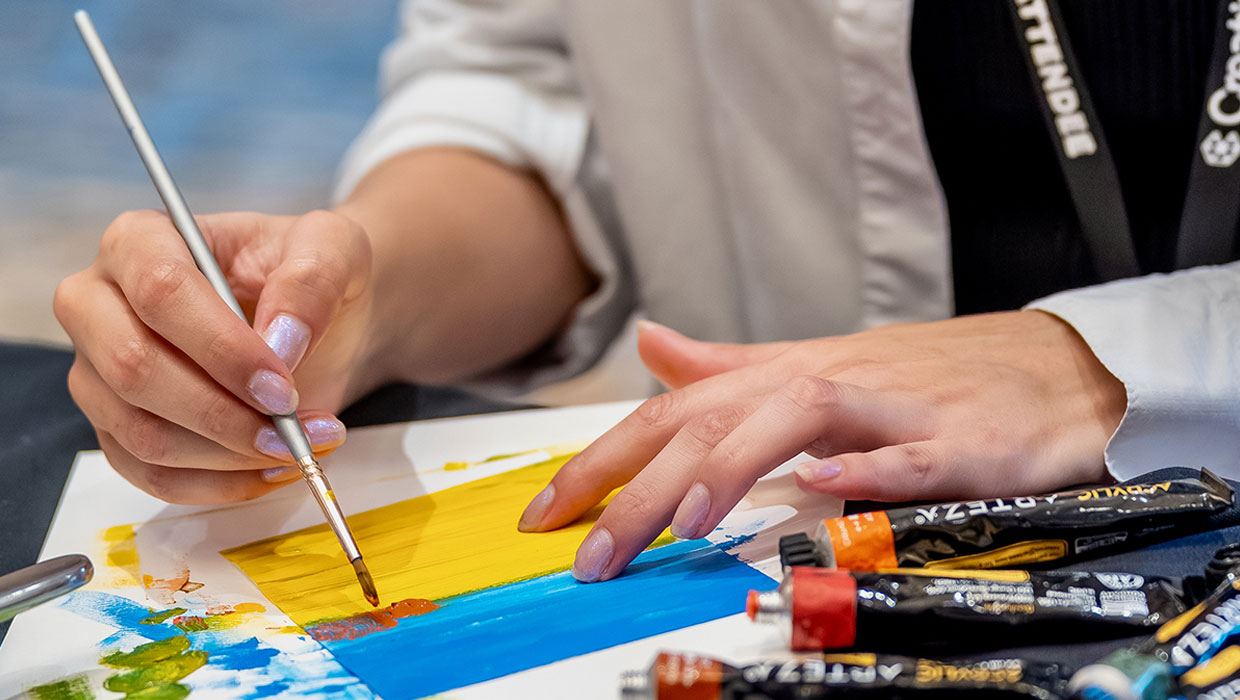
Nashville Notes: Maker Mornings at CreativePro Week
Each day of CreativePro Week starts with a hands-on artistic experience