





Many companies have logos that are composed of linked letters — take the logos for CNN and GE.
The capabilities of modern software programs make it easy to join characters, but that doesn’t mean you’ve got an instant logo. Linking letters takes some thought and experimentation with different typefaces and type styles. The results should fit the image the business wants to convey and its target audience.
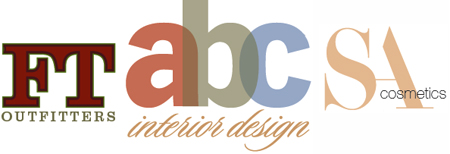
This article has expired. However, you can still read the article by buying it from the Before & After site. Look for the article in Issue 27 called “Discover the logo in your name.” Since we’re big fans of the magazine, we recommend you subscribe for a full 32 articles (that’s four print issues for $42 or 32 downloadable PDFs for $24).
This article was last modified on January 10, 2022
This article was first published on November 8, 2005
Commenting is easier and faster when you're logged in!

Recommended for you
Do-It-Yourself Glitch Art
Here’s something perfect for a Friday, or any day when productivity isn...

Photoshop How-To: Making Warhol-style Images
This story is taken from “Adobe Photoshop CS Creative Studio.” The b...

Adobe Releases Free Photoshop Extension for Blending Colors
Adobe has released a new free extension for Photoshop CS6 that provides two new...