




In just 23 days the “2006 Scrappy Awards,” https://www.photoshopelementsuser.com/scrappyawards the first scrapbook design contest held exclusively for Adobe Photoshop® Elements users, will stop accepting entries. The deadline for entries is 12:00 midnight EST, June 30, 2006.
“This is an excellent opportunity for digital scrapbookers to showcase their best work and hopefully win some of the most cutting-edge tools out there,” said Matt Kloskowski, editor-in-chief of Adobe Photoshop Elements Techniques. “Then the winners can use those tools to create more funky and fantastic scrapbook designs.”
The “2006 Scrappy Awards” contest is free to enter. Entrants may submit a single digital scrapbook page created in Adobe Photoshop Elements in any of ten categories: Sports, Holiday, Patriotic, Wedding, Graduation, Family, Love/Romance, Travel, Baby, and Pet. Although digital scrapbookers may enter multiple categories, they may only submit one page design per category.
Winners will be selected – one each from 10 categories – to receive a prize package worth approximately $800. In addition, one Best of Show winner will be awarded a prize package worth approximately $2,600. All totaled, there are $10,000 in sponsor prizes from industry giants like Adobe®, Wacom®, B+H Photo-Video-Audio, ColorVision, iStockphoto®, Peachpit Press, and more. Plus, each winning design will be published in the Adobe Photoshop Elements Techniques newsletter and on its companion website.
Winners will be announced September 8, 2006 on https://www.photoshopelementsuser.com. Official “2006 Adobe Photoshop Elements Techniques Scrappy Awards” contest rules and entry information are available at https://www.photoshopelementsuser.com/scrappyawards.
About the Organizer of the Scrappy Awards, Adobe Photoshop Elements Techniques
Photoshop Elements Techniques newsletter is published eight times a year by the same creative team that produces Photoshop User and Layers magazines. Along with its companion website, https://www.photoshopelementsuser.com/, Adobe Photoshop Elements Techniques newsletter teaches digital photographers, scrapbookers, and hobbyists how easy it is to edit, color correct, and enhance their digital photos using Adobe Photoshop Elements software.
This article was last modified on January 3, 2023
This article was first published on June 9, 2006
Commenting is easier and faster when you're logged in!

Recommended for you

How to Extract Images Using Photoshop’s Refine Mask
Splitting Hairs with Refine Mask We can only accomplish so much using manual mas...
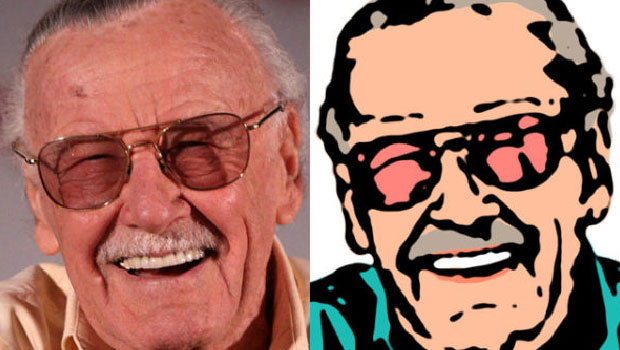
How to Turn a Photograph Into a Cartoon in Photoshop
Learn the simple steps for creating a seemingly hand-drawn cartoon from a photo,...
Create Amazing Computer-Generated Art With Amberlight
Amberlight is an app for Windows and Mac from Escape Motions (makers of Fla...