Extracting Hair in Photoshop with Russell Brown

Adobe's resident digital artist Russell Brown takes you inside Photoshop to learn his favorite techniques. In this session, he explains how to use Photoshop's Extract command to mask hair.
Written by Russell Brown on January 29, 2002

Related Reading

Through a special arrangement with Adobe, creativepro.com is posting nifty Photoshop tips and techniques by Russell Brown, Adobe's digital imaging guru and Photoshop maestro. As one of the original contributors to Photoshop, Russell knows the program inside and out. Don't know who Russell is? Find out!

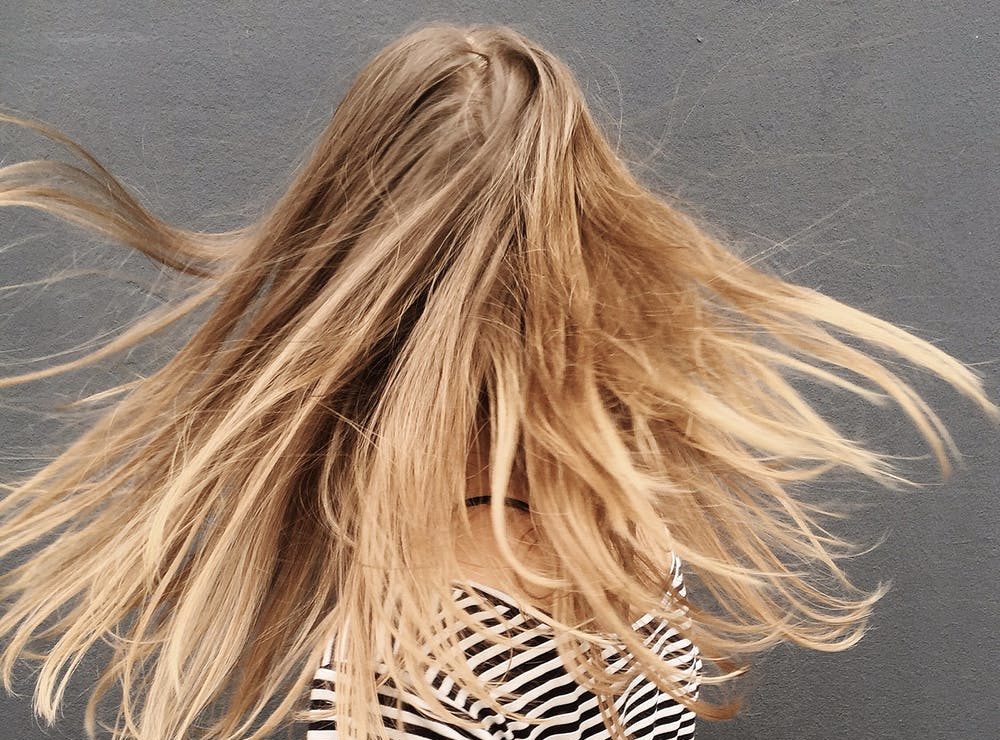
Anyone who's ever done masking in Photoshop knows how frustrating it is to work on image with hair. In this PDF tutorial, "Extracting Hair," Russell shows you how to isolate wispy tendrils of hair with ease, using Photoshop's Extract command. It's better than giving your image subjects a buzz cut.

To get started, open the PDF file.

1

Photoshop 5???

You'd think RB could have updated this ancient PDF. Didn't we bury Photohop 5 almost 2 years ago? Maybe he was too busy thinking up stupid jokes?

2

Great information

The article was very informative, however I am not able to print it to keep a copy for easy reference.

3

Great information

The article was very informative, however I am not able to print it to keep a copy for easy reference.

4

The page does not load

I would love to read the article but it does not load.
Thanks

5

Extracting Hair in Photoshop with Russell Brown

Russell Brown did a great job introducing this feature... I wish he included more details.

6

Please try again

If the PDF file didn't load, please download the Acrobat Viewer and try agin. We did test this article on both PCs and Macs with both browsers (and several versions of those browsers) so it does work.
Thanks,
Pamela Pfiffner, editor in chief

7

Hair extraction

Thank you, this was a lifesaver.

8

Bust

The very first instruction says go into Image and select Extract. There is no Extract under Image in Photoshop. This tutorial was a failure from the get-go.

9

Re "Bust"

Check the publication date on this article: 2002. The instructions were correct for the version of Photoshop that was current in 2002.

For a Photoshop CS5 tutorial on masking hair, see http://www.creativepro.com/article/mask-flyaway-hair-moments-using-photoshop

Terri Stone
Editor in Chief, CreativePro.com

Post a Comment

  • Allowed HTML tags: <a> <em> <strong> <cite> <code> <ul> <ol> <li> <dl> <dt> <dd> <p> <div> <br> <center> <img> <h2>
  • Lines and paragraphs break automatically.
  • Use <!--pagebreak--> to create page breaks.

More information about formatting options

CAPTCHA
This question is for testing whether you are a human visitor and to prevent automated spam submissions.
Image CAPTCHA
Copy the characters (respecting upper/lower case) from the image.
WebInk