




This article is excerpted from the August/September 2008 issue of InDesign Magazine (#25). Buy the issue or subscribe to the magazine at www.indesignmag.com. See the PDF below for a special discount!
There’s nothing more fundamental to InDesign than text in a frame. Nothing occupies more space on your page or more time in your day than text work. The following five tips can help you work faster, get better results, and maybe even have more fun along the way. I’ll show you how to quickly re-frame text, fine-tune tracking, toggle smart quotes, push the limits of highlighting, and see selected text in its true colors.
Click here or on the image below to download the PDF with all the tips.
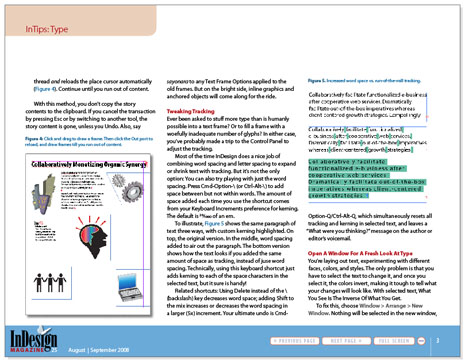
To open the PDF, you’ll need Adobe Acrobat or Adobe Reader. We highly recommend Adobe Reader 7.0 or above to view this PDF. Download the latest Acrobat Reader here.
To learn how to configure your browser for viewing PDF files, see the Adobe Reader tech support page.
This article was last modified on December 17, 2022
This article was first published on December 8, 2008
Commenting is easier and faster when you're logged in!

Recommended for you

Adobe's New Open Source Font: Source Code Pro
This past summer, Adobe released their first open source type family, Source San...
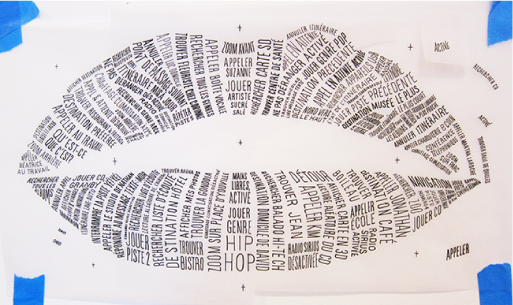
Creating Better Brand Images with Graham Clifford
Branding is the term used to describe the creation of an identity for a product,...

The Vernacular Typography Project
Wherever you go – from around the corner to around the world – examples of local...