




Ten Free Fonts
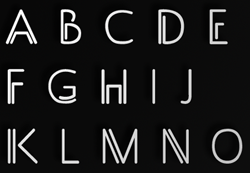
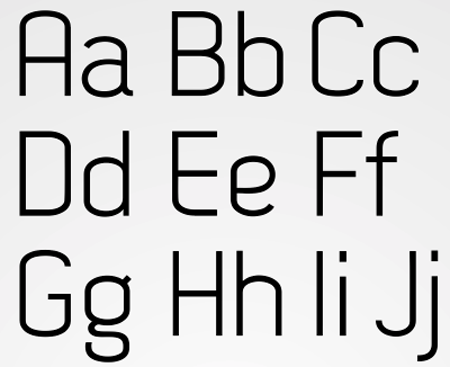
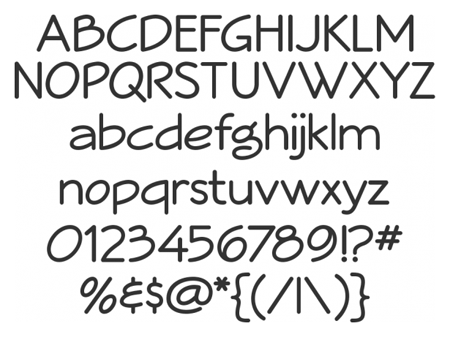
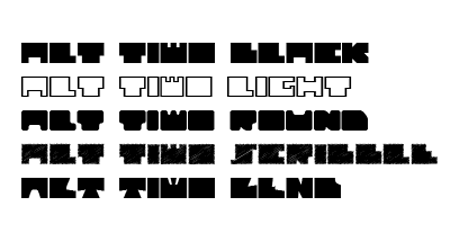
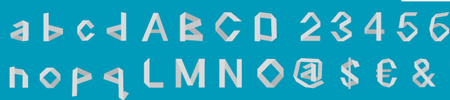
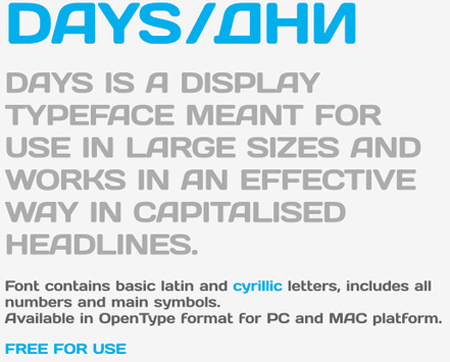
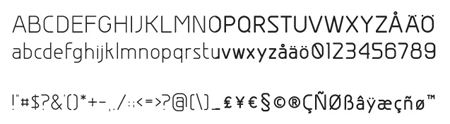
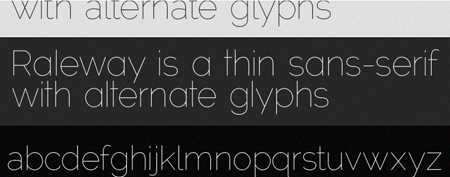
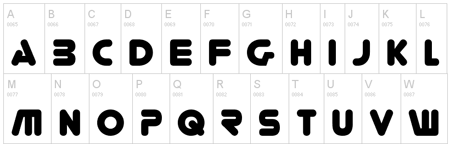
Check out this latest batch of free fonts. Click the preview to visit each font’s download page.

Metal Textures
Bittbox’s Jay Hilgert took his camera to a metal fabrication shop. That trip produced these metal textures, which you can use in your projects.

Lightroom Presets
Adobe Lightroom is a top-notch tool for organizing, viewing, and correcting digital photos. Getting the best results is sometimes a matter of luck, of inspiration; sometimes, it’s the result of using tried and true formulas or presets. There are plenty of commercial Lightroom presets, but there are also free presets, if you know where to find them. Fortunately, I do, and you know where to find Free for All.
In a fit of madness OnOne Software is offering three free sets of over 190 Lightroom presets! The sets include 85 image optimization and tonal correction presets. In addition to everyday photo fixing, there are dozens of special effect presets to turn photos black and white, mocha, sepia, or antique, and to create glows, vignettes, grunge, and much more.
Get the presets before OnOne wises up and begins to charge for them!

LastPass
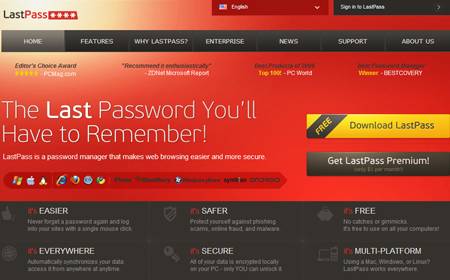
Most websites and Web services worth using online include personalization or other password-protected features. Remembering all those passwords and corresponding usernames is, at best, a chore. Of course you could save yourself a good deal of confusion and stress by using the same username and password for every site, but then a breach in security on one site compromises everywhere else you have an account. You want to stay secure, but you don’t want to have to flip through a notebook of passwords every time you log into the hundreds of sites you frequent. That’s where password management software comes in handy.
I’ve tried quite a few password management applications only to be disappointed. Usually they’re standalone applications — or other Websites — you must visit every time you need to recall a username and password, which makes them about as intrusive as a notebook of passwords. Some password managers are built as plug-ins to specific browsers, which means they’re useless if you employ multiple browsers. Others work with multiple browsers but don’t synchronize passwords across computers and devices. The aptly named LastPass fills in all of these limitations — free.
LastPass does indeed have a Website you can visit to lookup and manage all your usernames and passwords, but that’s not how you’ll use it 99% of the time. Instead, LastPass integrates into your browser — whether that’s Firefox, Internet Explorer, Safari, or Chrome, running on Windows, Mac, or Linux — and actually replaces your browser’s built-in password management system. Once installed, LastPass becomes part of the browser, saving your username and password for each site and service. Even better, when you need to log into a site, a single click populates the relevant fields. LastPass even keeps all your browsers, on all your desktop, laptop, and netbook computers synchronized with the same login information for each site. It can even protect, store, and regurgitate on command your shopping and credit card information, the data you enter into forms, and your online identities. All this for free. For a buck a month you can also install LastPass mobile apps to your iPhone, iPad, and Android devices to enjoy synchronized security on the go.
InvoiceBubble
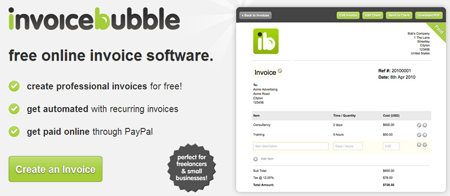
I’ve covered a number of on- and off-line invoicing systems in this column. InvoiceBubble is a new one to both Free for All and me. It’s free, of course, and it has a couple features not present in other free invoicing systems. Freshbooks.com, for example, limits its free account users to three clients; if you need to actively bill more than three clients — whether that’s only four clients or twenty-five — you’ll have to pay $19.95 a month — more to handle more than twenty-five clients. InvoiceBubble, on the other hand, lets you invoice an unlimited number of clients free. The downside? They show you advertisements on their site and insert links into the bottom of the invoices you send. Getting rid of ads and links is a nominal $5 a month or $55 per year fee.
This article was last modified on December 13, 2022
This article was first published on October 25, 2010
Commenting is easier and faster when you're logged in!

Recommended for you

Photoshop How-To: Adding Bleeds and Crop Marks
One question that I receive on a fairly regular basis, is how to add bleed to an...

How to Apply a Matrix Number Grid Effect to Images in Photoshop
We’ve all seen those sci-fi movies like The Matrix, in which images are bu...

How to Turn a Photo into Graffiti in Photoshop
Create a spray-painted masterpiece in Photoshop with Steve Caplin.