




Photoshop is a good tool for digital painting, whether you’re creating something from scratch or modifying an existing image. Even a solid-color background can be dramatically enlivened with light streaks, halftones, smudges, or textures. The possibilities are limited only by the imagination… and by the time you have to create complex effects. I can’t help you with the former, but the resources in this article will cut your effects creation time significantly.
You can use these 105 Photoshop brush sets — 1,845 individual brushes — to achieve artistic effects. All of the brushes are free for personal and commercial projects, and you can use them with Photoshop CS3 through CS5. I divided them into seven categories so they’re easier to browse, and I even threw in several brushes designed specifically for use with products from Wacom and other tablet manufacturers.
How to Install Photoshop Brush Sets
Follow these instructions to use the below brush sets:
1. If the download file is a Zip format, extract the .ABR file from the Zip archive.
2. Move the .ABR file to a permanent location on your computer. This could be into the Photoshop Brushes folder (full paths below) or a central location you create for Photoshop brushes. To place it in Photoshop’s existing brush folder, move or copy the .ABR file:
Windows: C:Program FilesAdobeAdobe Photoshop CSxPresetsBrushes
Mac OSX: Applications/Adobe Photoshop CSx/Presets/Brushes/
3. Open Photoshop and select the Brush tool.
4. On the Options bar, click the down arrow beside the brush shape preview. This will pop open the controls for brushes.
5. From the brush control popup, click the right-facing arrow in the top right corner and select Load Brushes.
6. When the Load Brushes dialog appears, navigate to the location where you placed the .ABR file and then open that file.
7. Photoshop will ask whether you’d like to replace the brushes already in the brush palette or append to them, adding the new brush set to the end of the list of brushes. Typically you’ll want to append.
8. Start brushing!
Natural Media: Watercolor
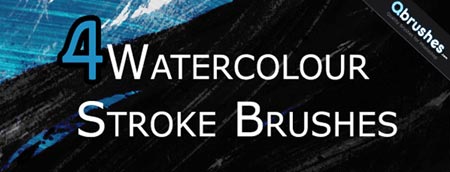
Watercolour Stroke (4 brushes)
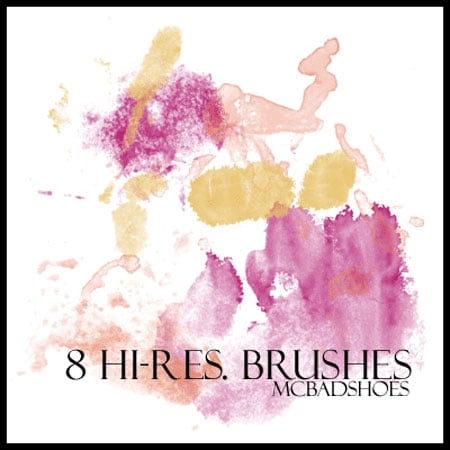
Hi-Res Watercolor (8 brushes)
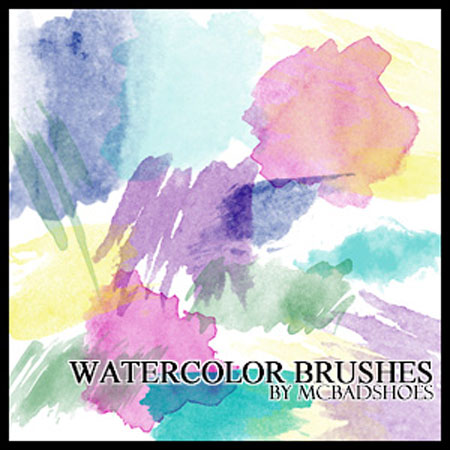
Watercolor (38 brushes)
Water Color Blobs (17 brushes)
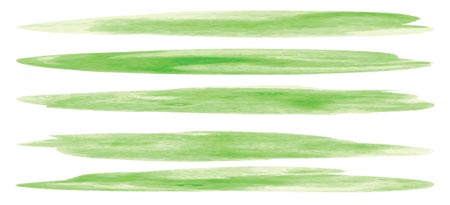
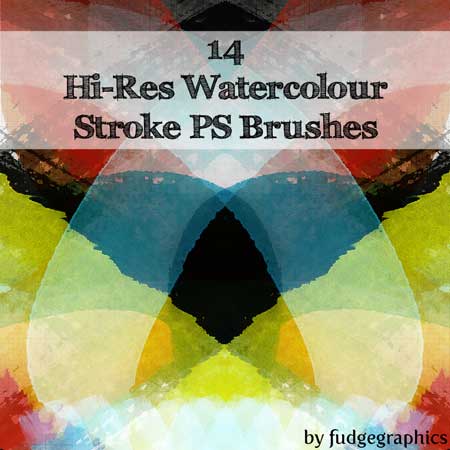
Watercolour Stroke (14 brushes)
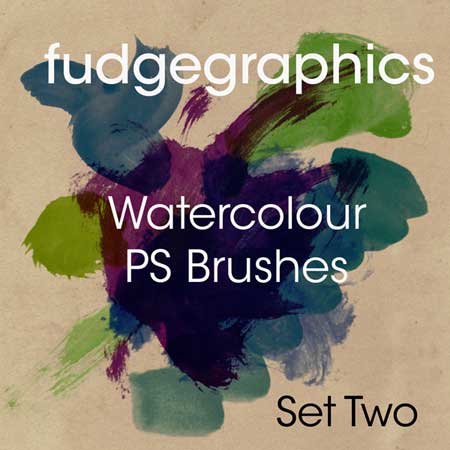
Fudgegraphics Watercolour Set Two (25 brushes)
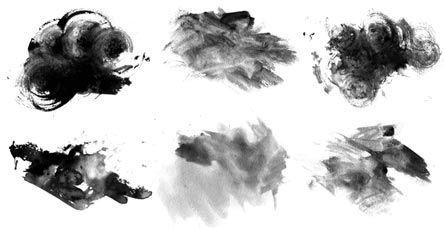
Grungy Watercolor (10 brushes)
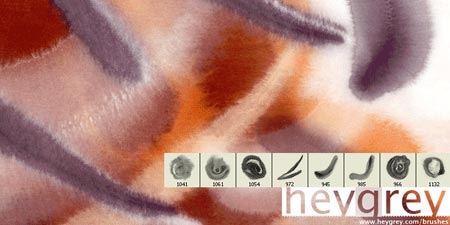
Soft Watercolor (8 brushes)
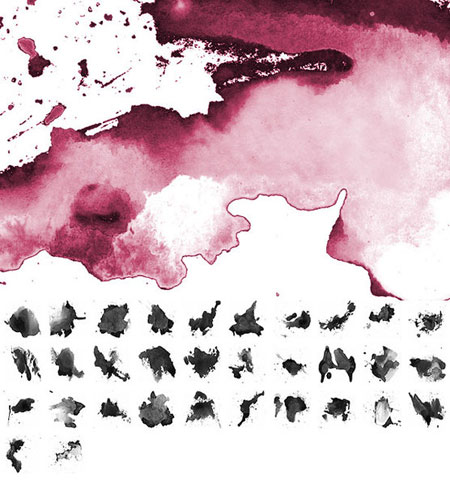
Watercolor Splatters (32 brushes)
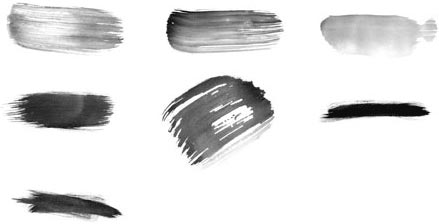
High-Res Watercolour 2 (7 brushes)
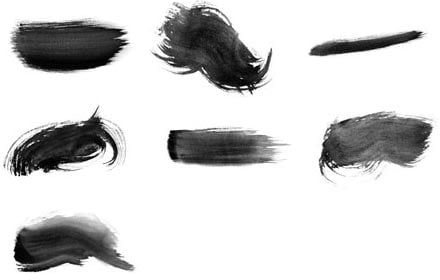
High-Res Watercolour 1 (7 brushes)
Natural Media: Spray Paint
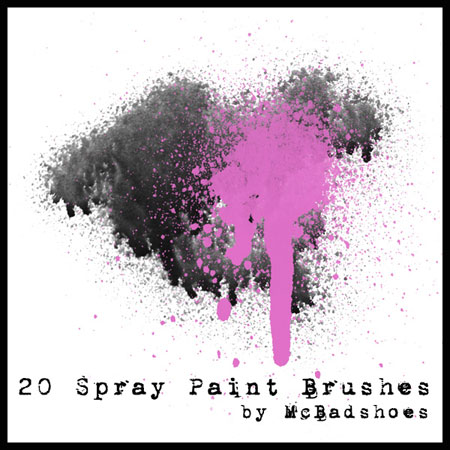
Spray Paint (20 brushes)
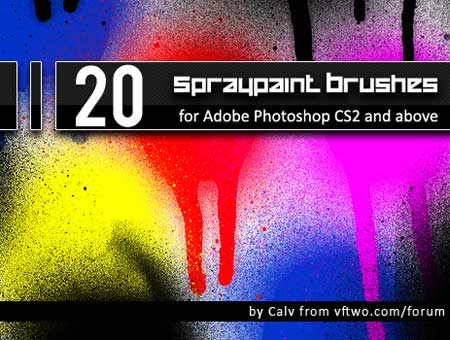
Spray Paint (20 brushes)
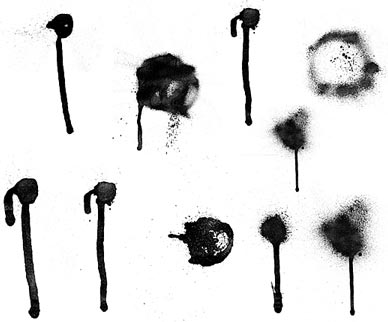
Hi-Res Spray Paint (10 brushes)
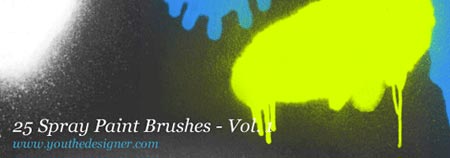
Spray Paint Vol. 1 (25 brushes)
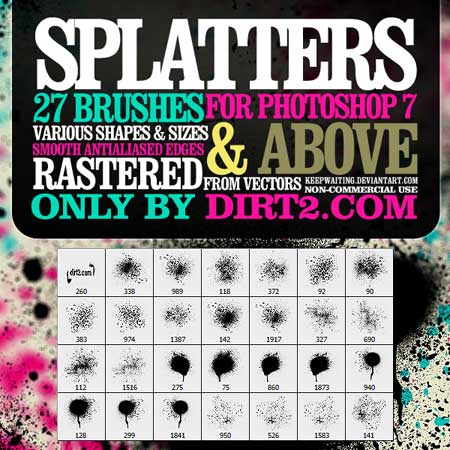
Splatters (27 brushes)
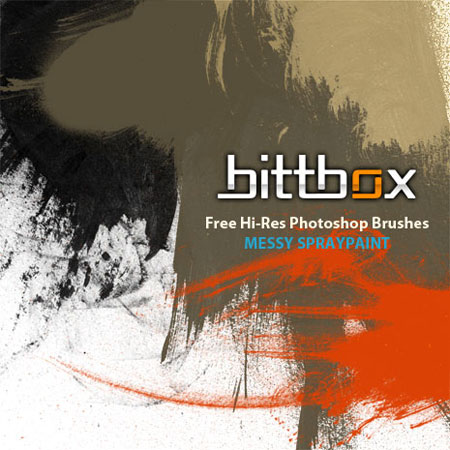
Messy Spraypaint (10 brushes)
Natural Media: Other
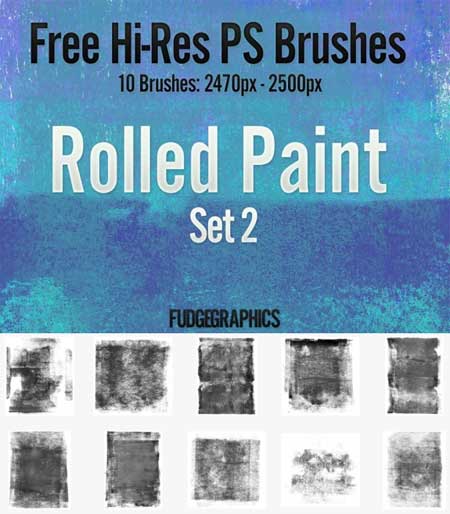
Rolled Paint Set 2 (10 brushes)
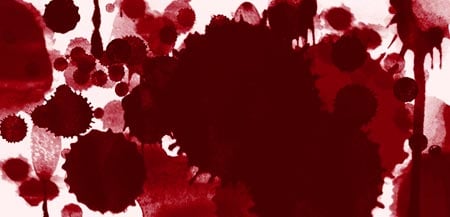
Grunge Splatter (20 brushes)
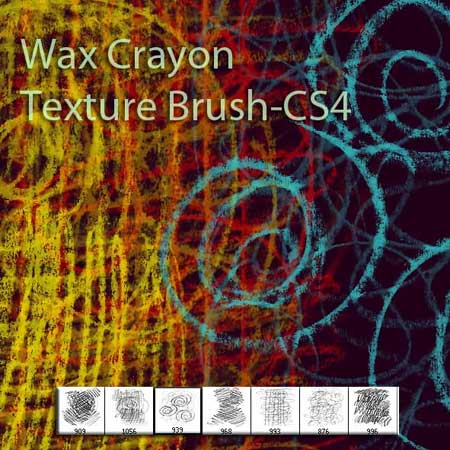
Wax Crayon (7 brushes)
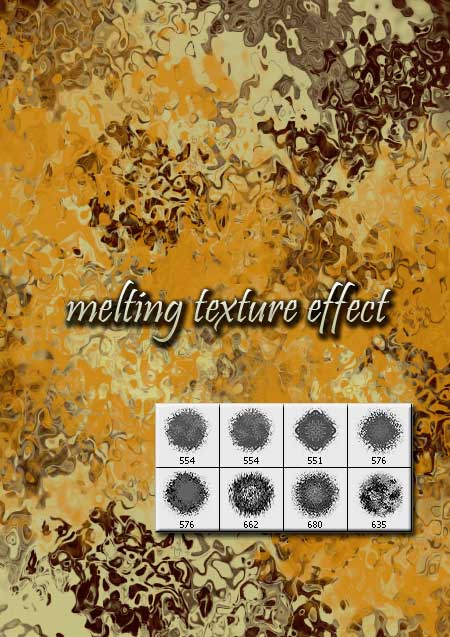
Melting Texture (8 brushes)
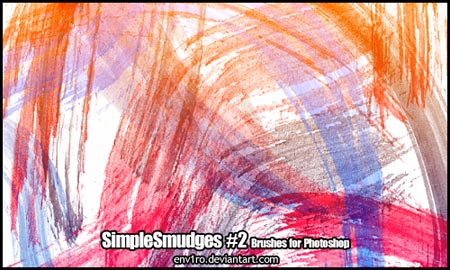
Simple Smudges 2 (32 brushes)
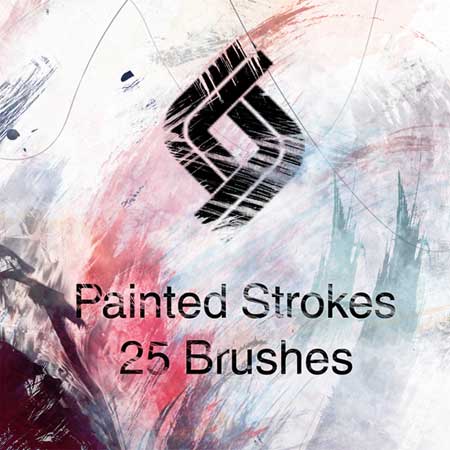
Painted Strokes (25 brushes)
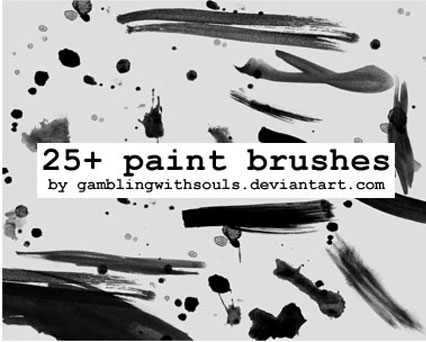
Paint (25 brushes)
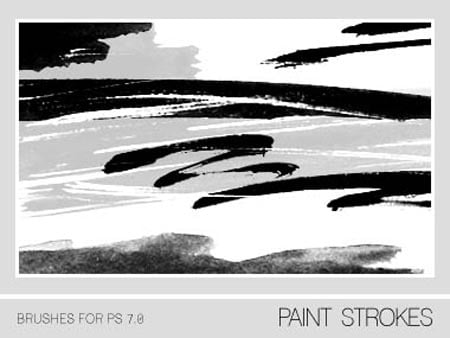
Paint Strokes (19 brushes)
Markers (15 brushes)

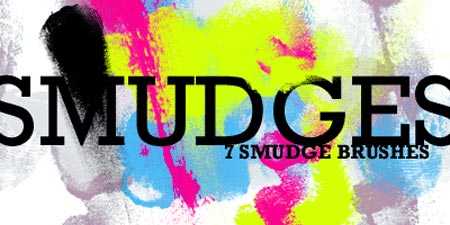
Smudges (7 brushes)
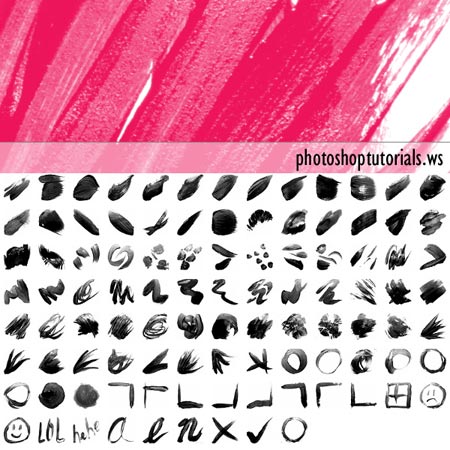
Essential Brush Strokes (100 brushes)
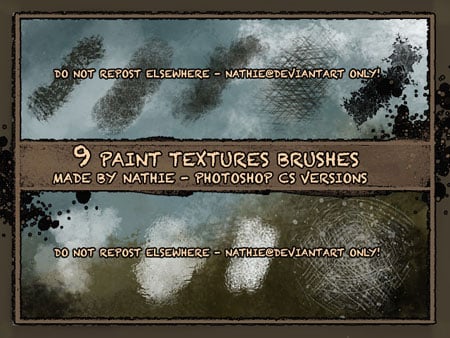
Paint Textures (9 brushes)
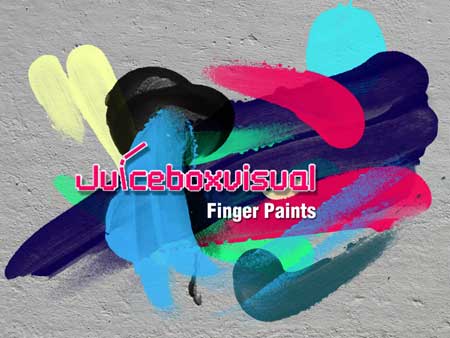
Finger Paints (12 brushes)
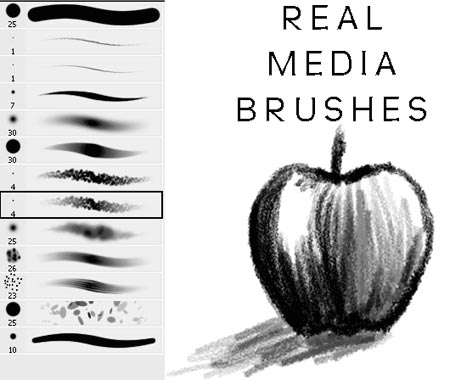
Real Media (13 brushes)
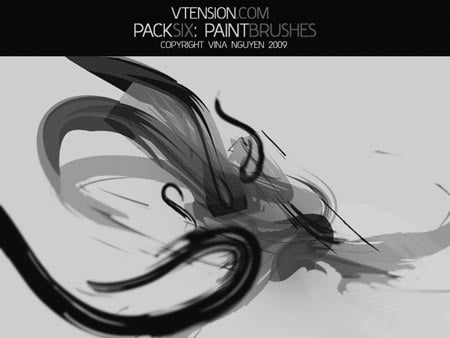
PackSix: Paint Brushes (5 brushes)
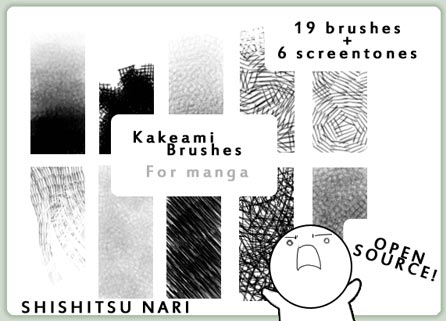
Kakeami Brushes for Manga (19 brushes)
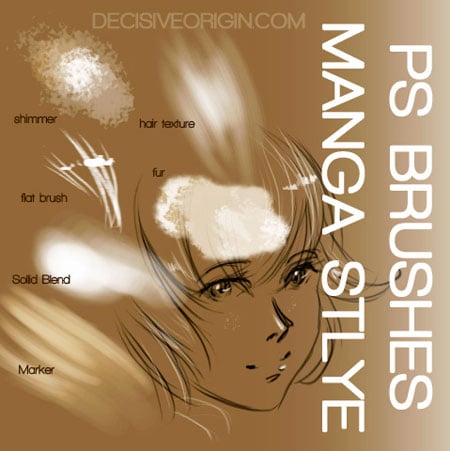
Manga Style (6 brushes)
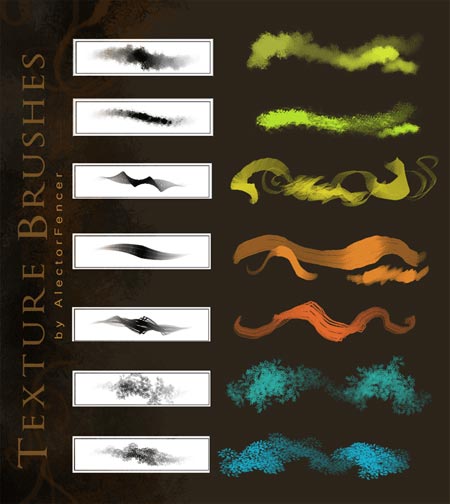
Textures (7 brushes)
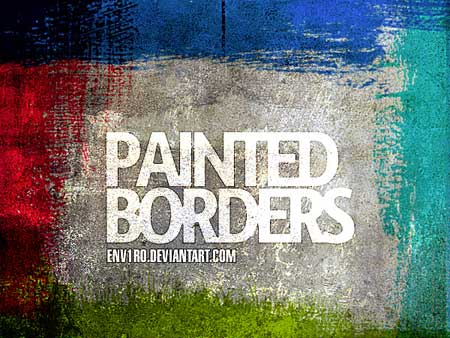
Painted Borders (9 brushes)
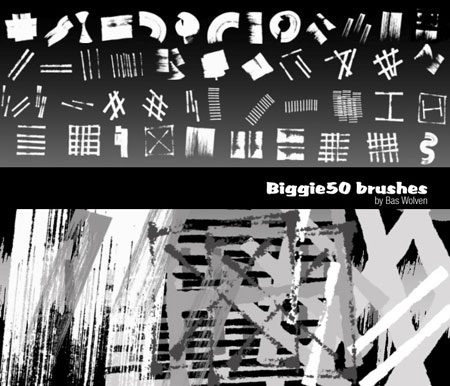
Biggie50 (49 brushes)
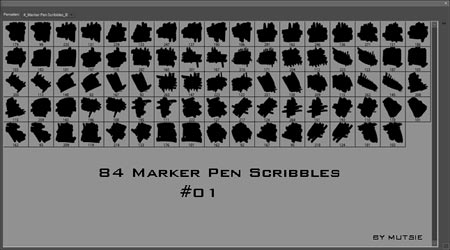
Marker Pen Scribbles No. 1 (84 brushes)
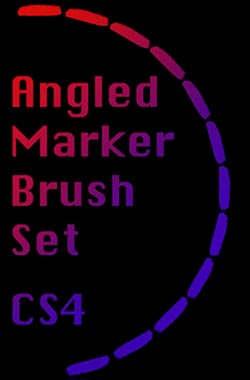
Angled Marker (12 brushes)
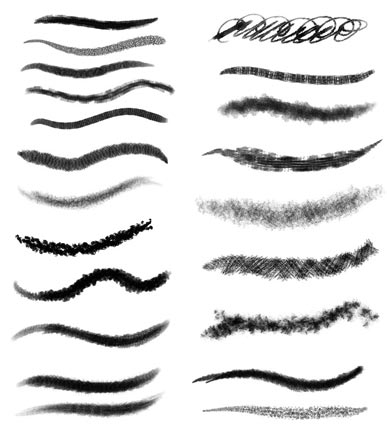
Another Natural Media (70 brushes)
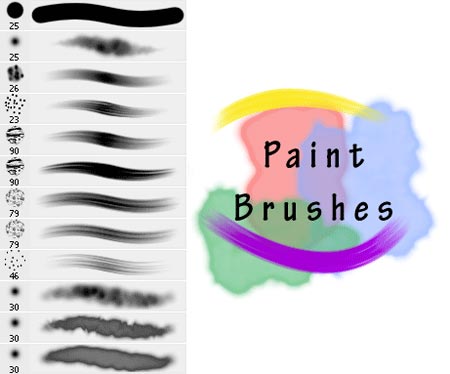
Realistic Paint (12 brushes)
Oil’ish Paint (5 brushes)
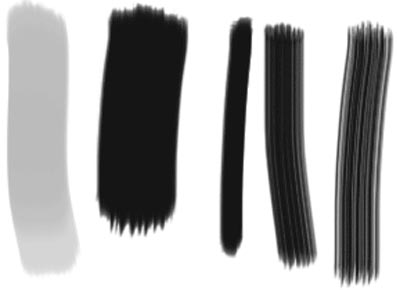
Oil Painterly (8 brushes)
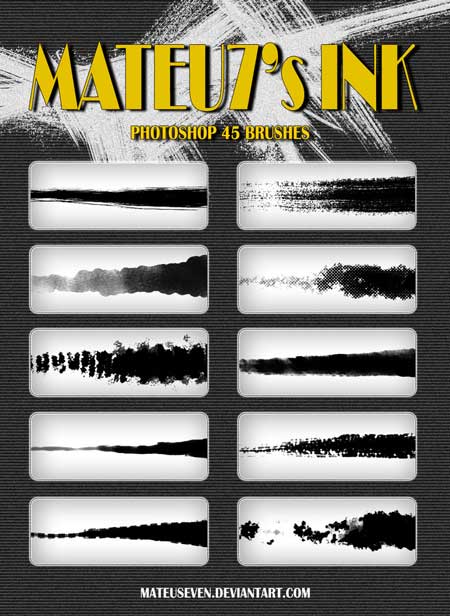
Mateu7’s Ink (45 brushes)
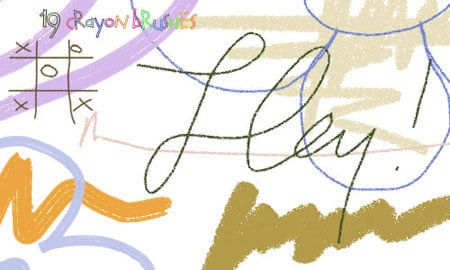
Crayonishious (19 brushes)
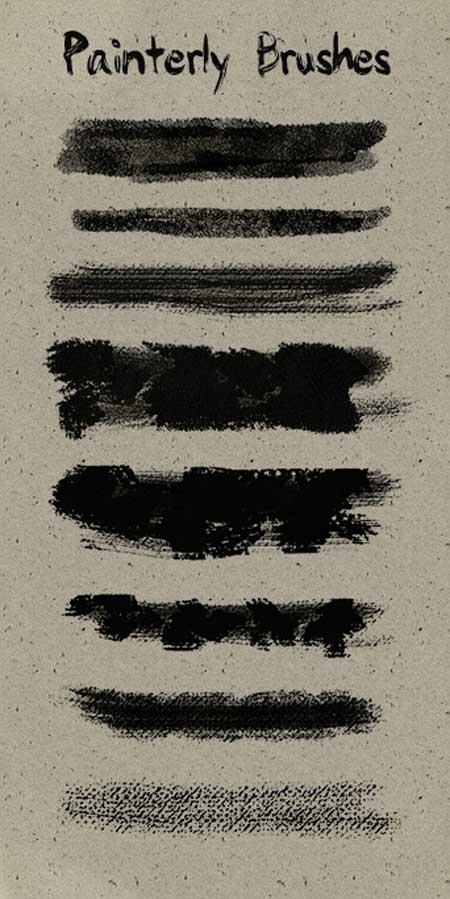
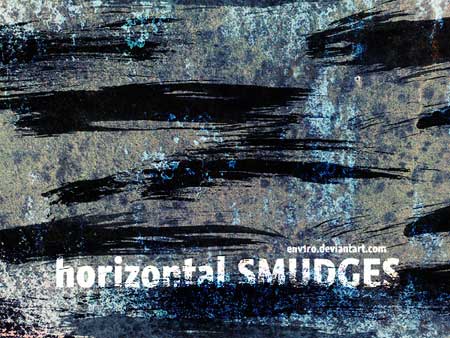
Horizontal Smudges (18 brushes)
Light
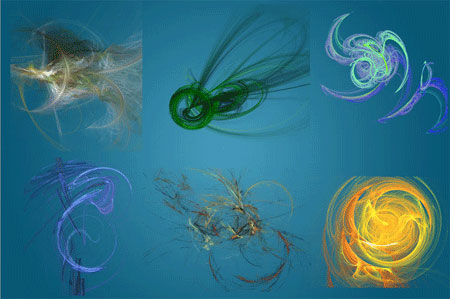
Fractal (6 brushes)
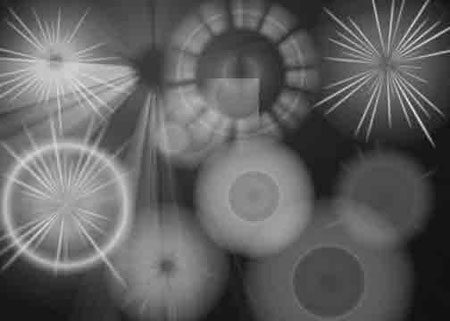
Sun, Star (9 brushes)
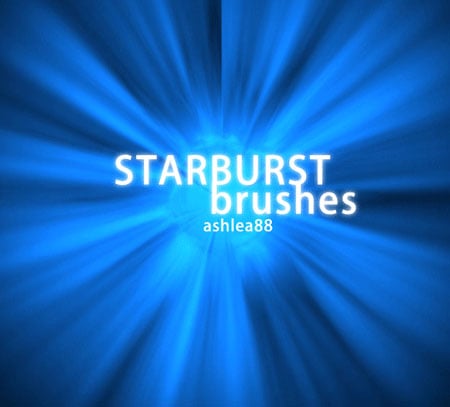
Starburst (4 brushes)
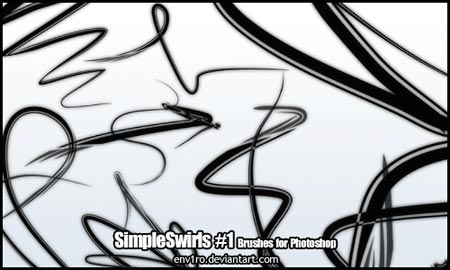
Simple Swirls (17 brushes)
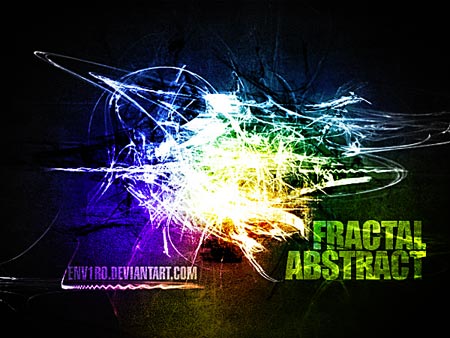
Abstract Fractal (12 brushes)
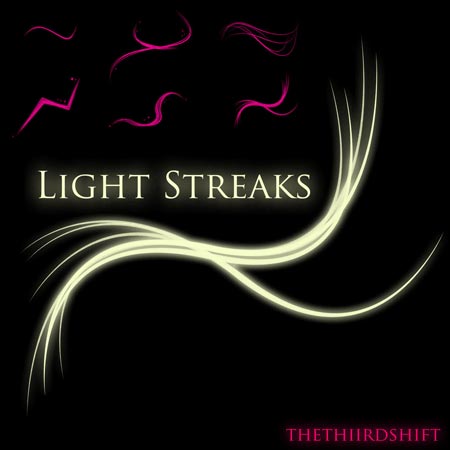
Light Streaks (6 brushes)
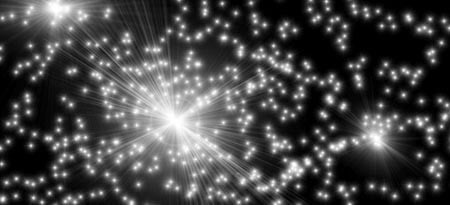
Lens Flare (20 brushes)
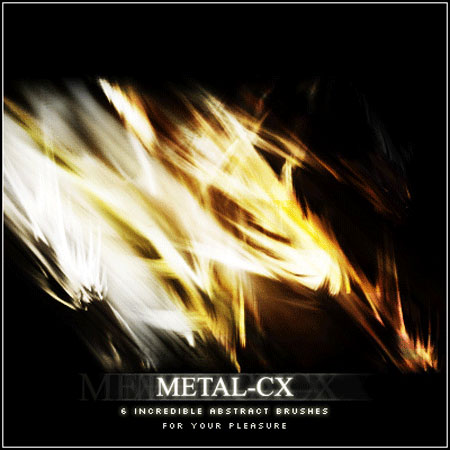
Metal-CX (6 brushes)
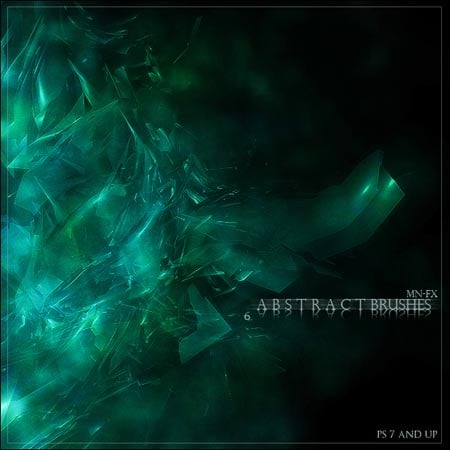
Abstract CT (6 brushes)
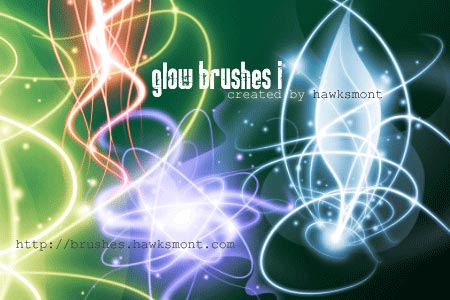
Glow I (11 brushes)
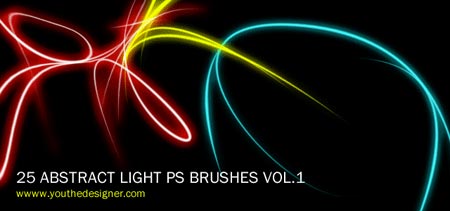
Abstract Light Vol.1 (25 brushes)
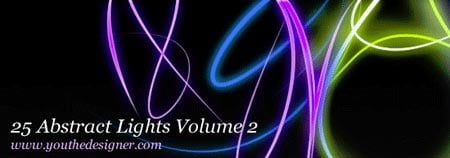
Abstract Light Vol. 2 (25 brushes)
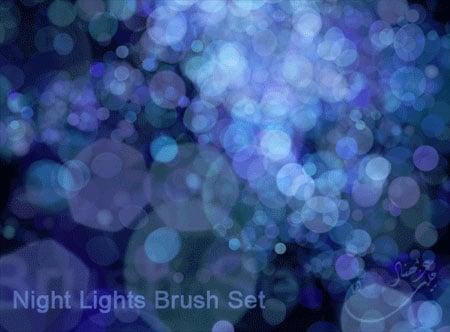
Night Lights (6 brushes)
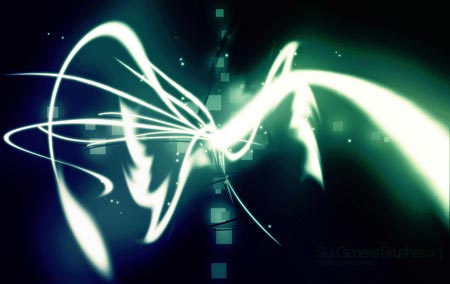
Sui Generis (10 brushes)
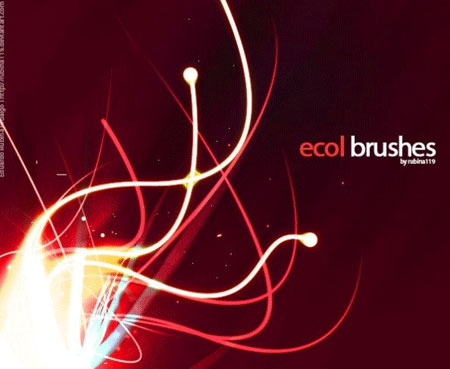
Ecol (5 brushes)
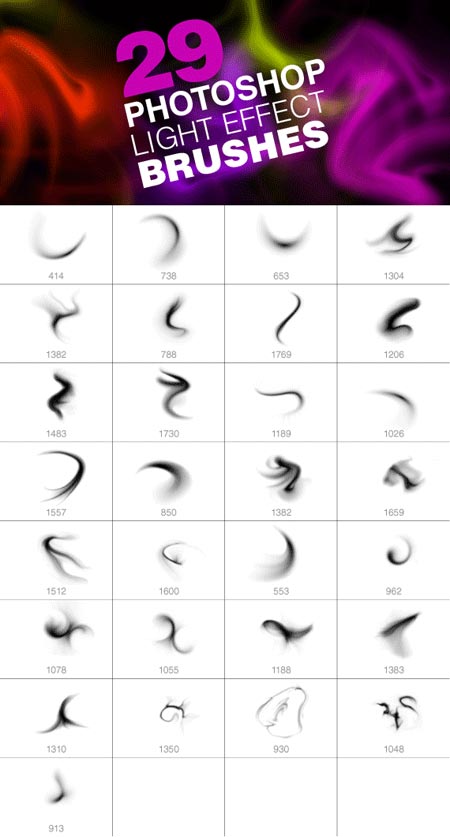
Light Effect (29 brushes)
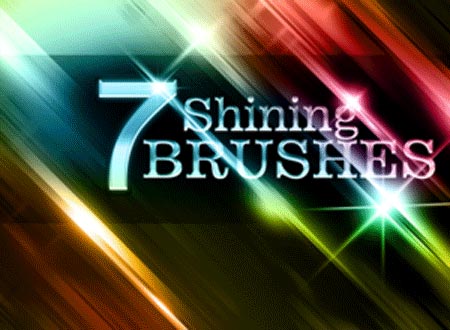
Shining Swords (7 brushes)
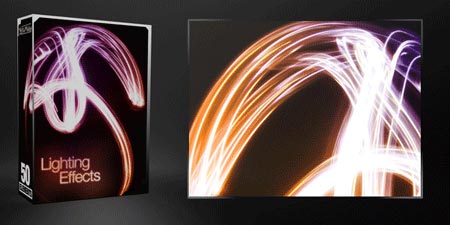
Lighting Effects (50 brushes)
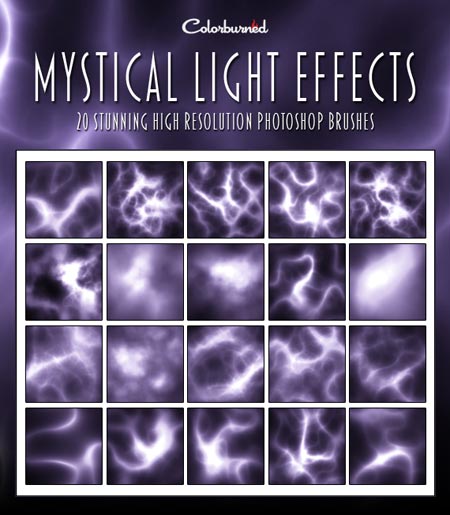
Mystical Light Effects (20 brushes)
Go to page 2 for MANY more Photoshop brushes!
This article was last modified on December 13, 2022
This article was first published on September 28, 2011
Commenting is easier and faster when you're logged in!

Recommended for you

Scanning Around With Gene: Part 2 of That '70s Type!
Part 1 of That ’70s Type! Setting type is like re-decorating your home: yo...
Capture the Look of Classic Analog Photography With VSCO Film Emulations
If you were an avid photographer in the analog days, you probably had a few favo...
Using Adobe Stock in Photoshop
There’s no question that Adobe is putting a lot of resources into Adobe St...