Free For All: Typefaces, Textures, Web Typography, & a Proposal Template

Rating: 
Body: 

Logo Design Proposal Template
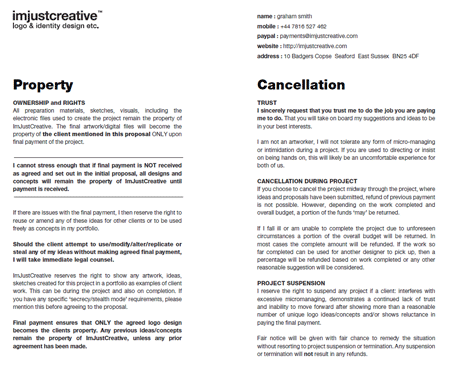
U.K. logo designer Graham Smith knows the business of logo design. His work includes logos for the Smashing Network, Skiplex, Feedly, Foehn & Hirsch, and GAP. Graham also speaks out on his various blogs and social media streams about the business of logo design, decrying the cookie-cutter logo farms, and helping logo designers hold fast to fair, professional design rates and ethics. Continuing his crusade, Graham has created and makes available for download his logo design proposal template in PDF and InDesign document formats.

The template sets forth the deposit and payments expected from the client and what the client will receive after final payment. It then goes on to detail intellectual property rights ownership—the designer owns all rights until the final payment is received, whereupon rights transfer to the client—when and how project cancellation or suspension may become options, and the proposal approval contract itself. Graham is offering the template as open source, non-attribution, meaning you can change anything you like about it or use it freely as is.

The template, which arose from a round-table discussion between Graham and other designers, is an excellent example of a document every freelance designer—logo or otherwise—must have in place prior to the inception of a project. Many designers' proposals and contracts are often more detailed, but even if you don't want to use Graham's as-is, it makes for an excellent starting point in revising a more comprehensive document.
Fonts
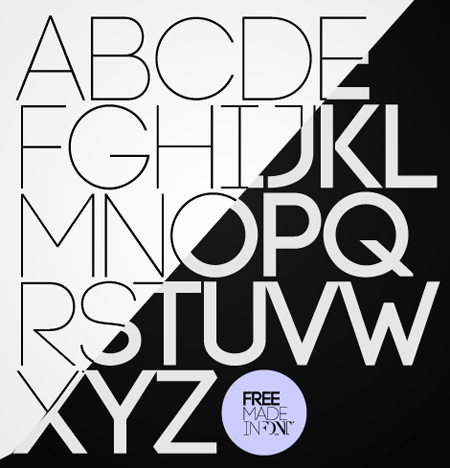
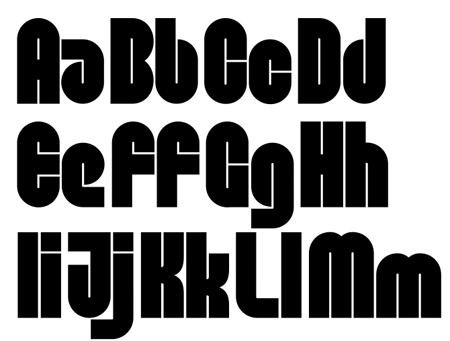
Free fonts are like peanut M&Ms. You can't have just one, and they're fun to share. Here, open your hand...

Code (2 Weights)

Dan

Feena Casual

Filefont
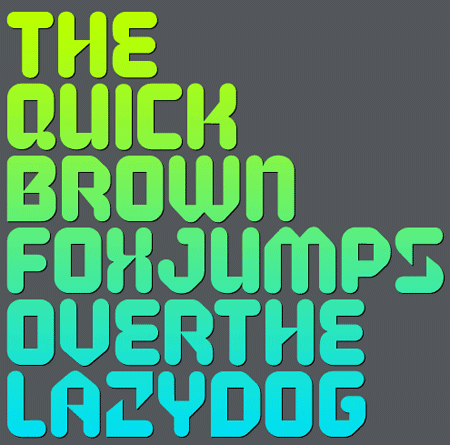
Hero (2 Weights)
Hygiene
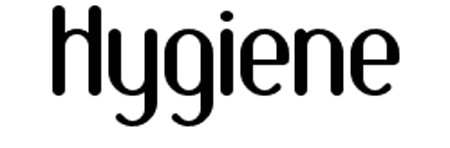
League Script
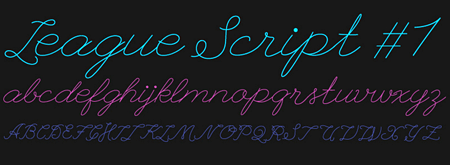
Lignor

Marker Twins
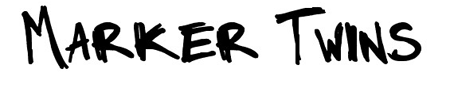
Oregon LDO

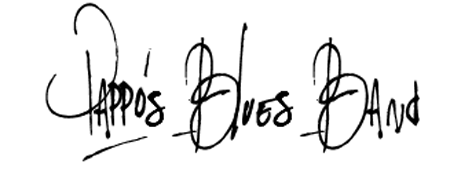
Pappo's Blues Band

Republika

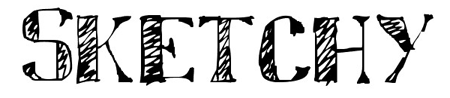
Sketchy

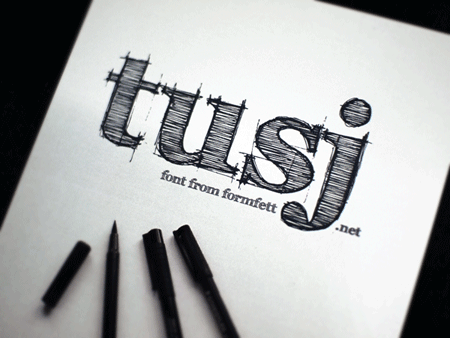
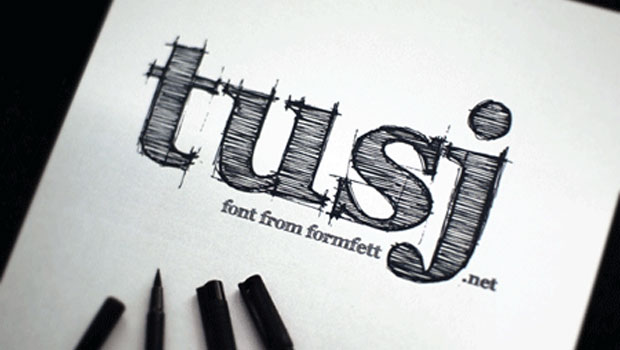
Tusj

Vinegar
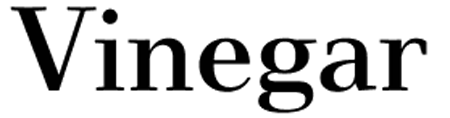
Waste of Time

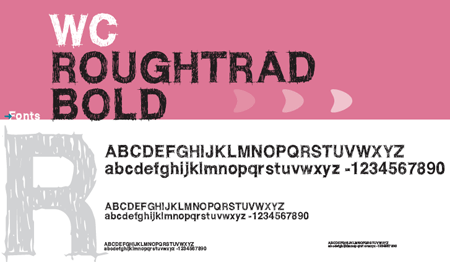
WC Roughtrad (2 Weights)
Textures
Not a fan of M&M Peanut? The same rules apply for Skittles, er, I mean, textures. Texturize the rainbow!

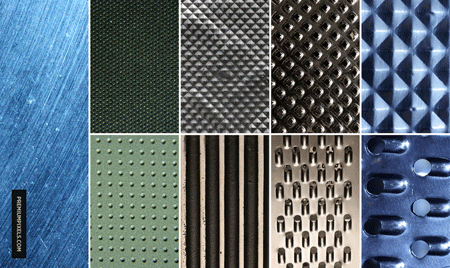
Metal Surface (9 Textures) br>
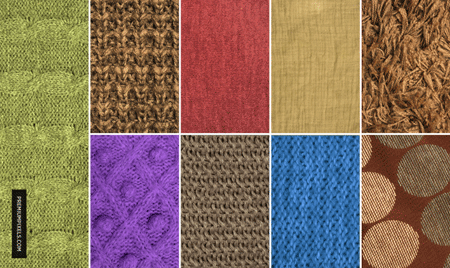
Fabric Texture Pack #2 (9 Textures) br>

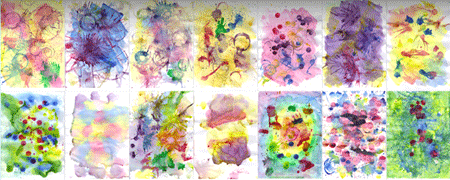
Watercolor (27 Textures) br>

Grunge Bokeh (12 Textures) br>

Foam Dot (30 Textures) br>

Paper & Canvas (14 Textures) br>

Holographic Bokeh Pack #2 (6 Textures) br>

Coloured Whirlpool (14 Textures) br>

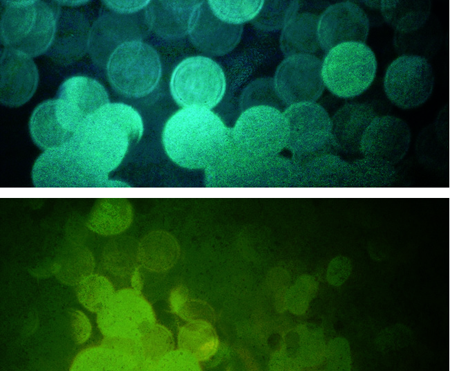
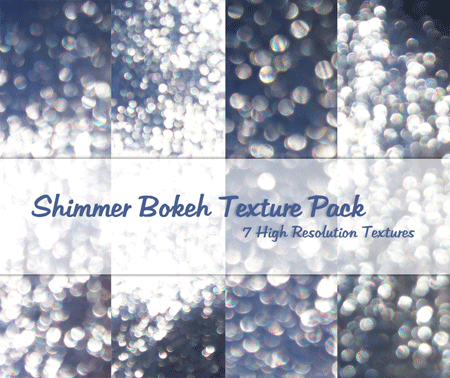
Shimmer Bokeh (7 Textures) br>

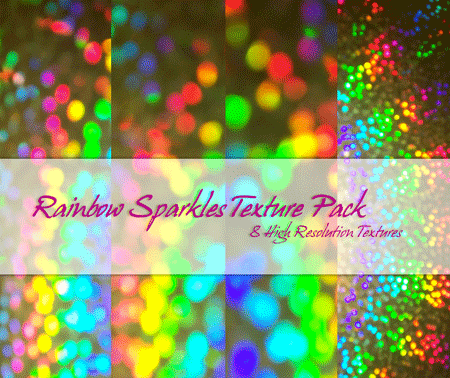
Rainbow Sparkles (8 Textures) br>

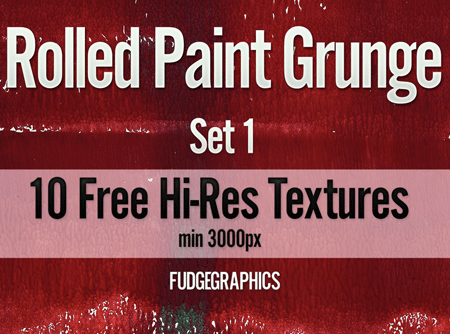
Rolled Paint Grunge Set 1 (10 Textures) br>
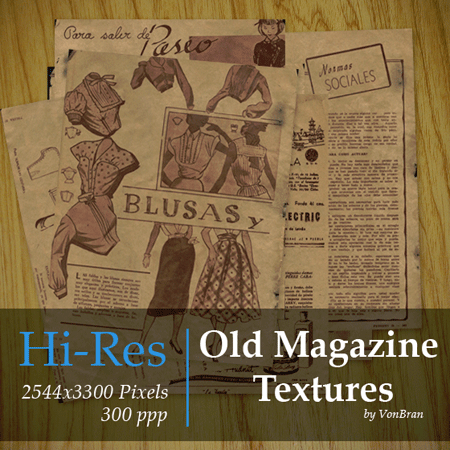
Old Magazine (10 Textures) br>

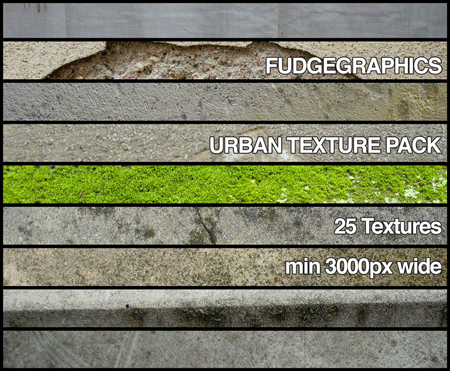
Urban Texture Pack (25 Textures) br>

Old Books (8 Textures) br>

Grunge Paper (6 Textures) br>

Lens Flare Pack (15 Textures) br>

100+ Textures (100+ Textures) br>

Go to page 2 for an entire toolbox full of great resources for type on the Web.

Return to page 1.

Toolbox: Good and Great Typography for Web Designers
As any Web professional will tell you, the essence of good Web design is usability. The essence of usability is good typography. Readability, legibility, message impact, the voice of the site's content, the speed with which a visitor can identify, interpret, and understand content—all of it comes down to the typography, something many Web design instructional programs don't teach. Most Web designers have to self-educate in typography on the Web, cobbling together bits of information to form personal interpretations of typographic rules and styles, dos and donts. Allow me to help fill in a few of those holes.

First, go read The Elements of Typographic Style Applied to the Web. This website, which is rather like an ebook, will give you the design basics. Note that the book is still a work in progress; for updates, subscribe to its RSS feed. Chapters 8 and 9, "Typography" and "Editorial Style," of the Web Style Guide Third Edition are also a good read. The rest of the Web Style Guide has good information, too, particularly for those who work on Web or intranet teams in enterprises or large organizations.

Now that you understand the principles of online typography, read up on the implementation of fonts online with the W3C's spec on CSS3 and the @font-face rule in this free PDF from TypeCon 2010 Los Angeles. CreativePro.com also has a short series on the topic.

Enough with the educational material. It's time to pick the right typefaces, sizes, leadings (line-height), and other type-related attributes.

Typechart lets you examine each of the Web-safe fonts (Arial, Helvetica, Cambria, Georgia, Lucia Grande, Lucida Sans Unicode, Trebuchet, and Verdana) and view them as they'll appear on Windows and Mac computers in various sizes and styles. Font Matrix even tells you which fonts you can expect on clients' computers by listing all the fonts that come pre-installed with different versions of Windows, Mac OS X, Microsoft Office, and Adobe Creative Suite. Note that Font Matrix is a little out of date; the most recent listed versions are Windows Vista, Mac OS X Leopard, Microsoft Office 2007, and Adobe Creative Suite 3.

Of course, with @font-face as well as sIFR and Cufon Web font technologies, you're by no means limited to using preinstalled and Web-safe standby fonts. (Speaking of sIFR, or Flash-based fonts, check out the library of 1,000 free fonts from Font Burner.) Flipping Typical is an online font browser that displays all the fonts installed on your system in a way that makes them easy to compare and examine. Once you have a shortlist of typefaces, head over to Typetester to compare three different typefaces side-by-side. There are a large array of options, including font size, leading (line-height), tracking (letter-spacing), alignment, style, color, background, and more. You can use any of the Web-safe fonts or fonts installed on your system. When you have the type exactly how you want it, TypeTester will even copy the CSS to your clipboard at the click of a button.

So far, you've learned how to get good typography. Before you can call it great, you need to understand baseline grids (also known in the Web world as "vertical rhythm"). Start with this line-height grid system from Chris Coyier. That one's only for the basics, though. When you feel comfortable with Chris's system, graduate to the much more advanced Baseline framework. It contains reset styles and grid-based CSS for forms and HTML5 elements and more.

Next, check out the online CSS generator CSS with Vertical Rhythm. For a more visual approach to building baseline grids, try the Baseline Rhythm Calculator, a simple tool that shows you multiple columns and sizes based on single font-size and line-height values. Scale & Rhythm is an even more advanced—and much more visual and interactive—baseline grid calculator.

What can I find free for you? Want more free fonts? Maybe Photoshop brushes? How about more online applications that do this or that for free? Tell me in the comments what you'd like to see in future installments of Free for All, and I'll do my best bloodhound impression to track it down for you.

Please note: Free for All will often link to resources hosted on external Web sites outside of the control of CreativePro.com. At any time those Web sites may close down, change their site or permalink structures, remove content, or take other actions that may render one or more of the above links invalid. As such neither Pariah S. Burke nor CreativePro.com can guarantee the availability of the third-party resources linked to in Free for All.