




The ability to make complex vector paths has long been a hallmark of Adobe Illustrator. Version 10 of this venerable drawing program included enhancements to its PathFinder palette. Now, you can create a live compound shape that remains editable, thus keeping your artwork flexible and your creative options open. Learn how to exploit these new features in this tutorial from Adobe Systems.
We’ve posted this story as a PDF file. All you do is open the “Combine Objects into Editable Compounds” PDF file to open it in your Web browser. You can also download the PDF to your machine for later viewing.
To open the PDF, you’ll need Adobe Acrobat Reader. Get it here:
 .
.
To learn how to configure your browser for viewing PDF files, try these tips from Adobe:
- Click here for Explorer on the Mac
- Click here for Explorer on Windows
- Click here for Navigator on Windows
- Click here for Navigator on Mac.
This article was last modified on July 20, 2021
This article was first published on August 23, 2002
Commenting is easier and faster when you're logged in!

Recommended for you

"Unleash Your Creativity" Design Contest
Combining the imagination of Fotolia images and the creative power of QuarkXPres...
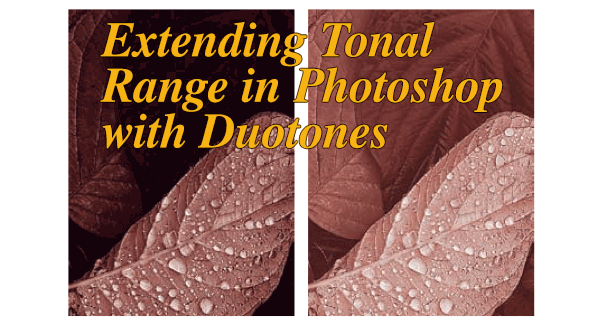
Extending Tonal Range in Photoshop with Duotones
While they’re often used to colorize grayscale images, the original goal of mult...

Scanning Around With Gene: When Advertising was King-sized
Last week I took a look at the artistic covers of vintage Fortune magazines and...