




Babel announces Impression 3.0, the automatic digital archiving utility for OS X.
Impression automates asset archiving for Mac OS X by moving large amounts of data to spanned DVD/CD sets or to mounted drives for offline storage. Other noteworthy features include an automatic scheduling system, incremental/differential archiving operations, the preservation of all HFS+/Spotlight metadata, after-write file verification and bookmark-based management features.
New to version 3.0 comes an automatic scheduler that works in conjunction with Apple’s iCal, performance increases under Mac OS X 10.4, a few bug fixes and a number of other requested enhancements. Additionally Impression now offers a full manual offering a full compliment of step-by-step how-to information, answers to popular questions and workarounds for the occasional odd issue.
Impression regularly costs US$49, and a 15-day trial version is available from the Babel Company’s website through this address: https://babelcompany.com/impression/index.html.
Due to the increasing costs of continued development for the Mac platform, Impression’s price will be increasing to $99 on April 1, 2006. Educational and volume pricing will see similar increases.
Updates to Impression are always (and will always be) free to registered operators. Volume licensing and educational discounts are available. Pertinent details are available on Impression’s web site.
Photographers, DAM engineers and other professionals who deal with high volume data transfer to offline storage media find Impression invaluable in managing their archiving operations. Folks who need to back up their valuable data to spanned CD/DVD sets or locally-mounted drives benefit from Impression’s thorough data handing procedures and after-write data verification.
This article was last modified on January 18, 2023
This article was first published on February 8, 2006
Commenting is easier and faster when you're logged in!

Recommended for you
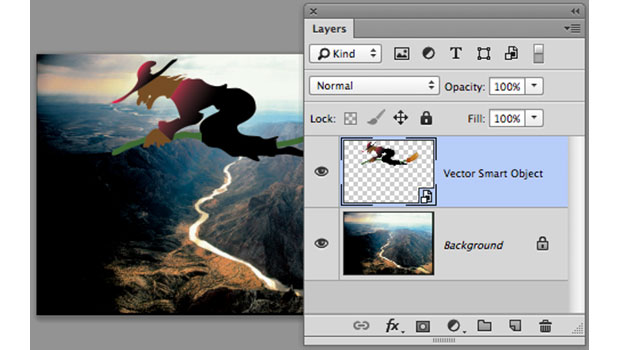
Using InDesign, Illustrator, and Photoshop Together: Moving Vectors
Vectors (aka paths) are very powerful items. Unlike pixel art that can look lous...

The Photoshop Conference 2015 Wrap-Up
The expected blizzard fizzled, but the inaugural Photoshop Conference for Design...

The Creative Zone: Taking Your Photography to the Next Level
Excerpted from Canon EOS M: From Snapshots to Great Shots by Jeff Carlson. Copyr...