




Creating a corporate identity is hard work. Not only does the logo have to be memorable and instantly recognizable, it must also adapt itself to a variety of media and applications. When it comes to creating your signature look, who wouldn’t like a little help?
With the new PageMaker plug-ins for InDesign CS, Adobe asked top-notch designers to create templates for several design situations. The design team of Gee+Chung responded with templates for stationery, business cards, presentation folders, and more. In this tutorial they show you how to customize these templates for a high-tech, yet friendly identity.
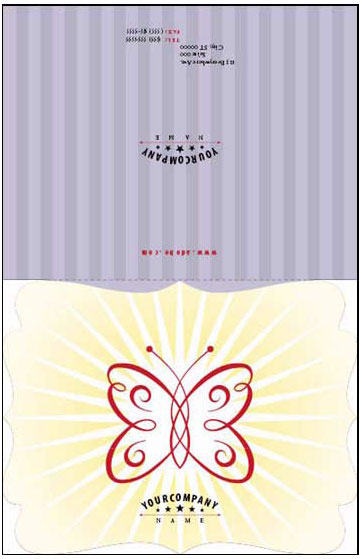
Although this tutorial describes techniques based on templates provided with InDesign CS PageMaker Edition (or the separately purchased PageMaker Plug-in Pack), you’ll still glean useful design information even if you don’t have the software.
We’ve posted this feature as a PDF file. All you do is click the link “Design a High Tech Corporate Identity like a Pro” to open the PDF file in your Web browser. You can also download the PDF to your machine for later viewing.
To open the PDF, you’ll need a full version of Adobe Acrobat (5 or higher) or the Adobe Reader, which you can download here:
 .
.
To learn how to configure your browser for viewing PDF files, see the Adobe Reader tech support page.
This article was last modified on March 10, 2025
This article was first published on January 23, 2003
Commenting is easier and faster when you're logged in!

Recommended for you
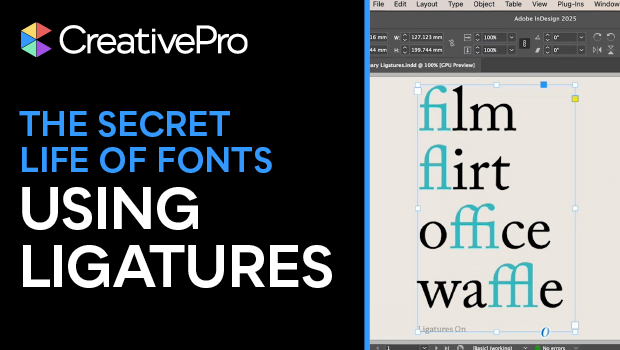
Using Ligatures to Elevate Your Typography
Use ligatures to solve your spacing problems — or add flair to your text.

Scanning Around With Gene: The Art of Scripophily
I recently came across a terrific book on eBay called The Art of the Market: Two...

Intertwine Feature in InDesign
Learn how to use Paste Into to make InDesign objects appear intertwined.