


InDesign Tips: Making the Most of Rulers and Guides


Rulers and guides are essential for positioning objects with precision in your page-layout program. Anyone who uses QuarkXPress, PageMaker or InDesign is familiar with basic ruler operations like changing units of measurement, resetting the zero point, or dragging guides onto pages.
But there’s more to rulers and guides than picas and inches. Adobe InDesign offers many ways you can leverage rulers and guides when designing a page layout or creating a document template. For instance you can color code guides, use guides on layers, and save them in libraries.
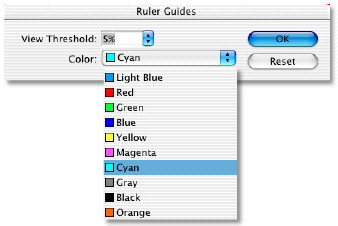
This batch of tips from Adobe InDesign evangelist Tim Cole shows you 11 different ways to get the most out of InDesign’s ruler and guides, including how to use the Create Guides feature and how to use guides with the Align Palette.
We’ve posted this story as a PDF file. All you do is click this link “Getting the Most out of Guides” to open the PDF file in your Web browser. You can also download the PDF to your machine for later viewing.
To open the PDF, you’ll need Acrobat or the free Adobe Reader.
To learn how to configure your browser for viewing PDF files, see the Adobe Reader tech support page.
This article was last modified on March 10, 2025
This article was first published on September 12, 2003
Commenting is easier and faster when you're logged in!

Recommended for you

Making a Table with Transparent Strokes
When table formatting fails, sometimes you have to take matters into your own ha...

Using the Adjustment Brush in Photoshop
Learn how to use the Adjustment Brush in Photoshop, which allows you to apply im...

Communicating the Value of Design to Non-Designers
We need to give ourselves more credit—designers do more than just “make things p...