



Courtesy of Adobe Evangelists
Importing images from a memory card seems like a simple operation, and it is. However, you’re missing out on a lot of under-the-hood intelligence in Adobe Photoshop Lightroom if you don’t take advantage of its many import customization options.
In this video tutorial, Julieanne Kost makes it easy to understand what you can do, when you should do it, and why.
To begin the video stream for this 17-minute how-to, click on the image below:
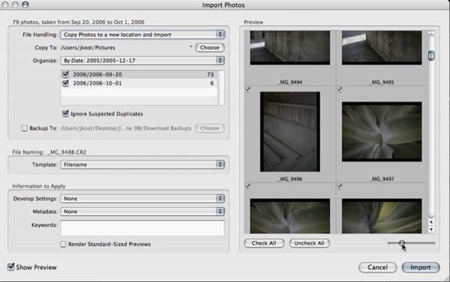
Copyright © 2007 Julieanne Kost and Daniel Brown. Used with permission of Adobe Evangelists
This article was last modified on January 4, 2023
This article was first published on June 15, 2007
Commenting is easier and faster when you're logged in!

Recommended for you
Changing Image Focus with Photoshop CC 2018
Dual-camera iPhones like the iPhone 7 Plus, iPhone 8 Plus, and the iPhone X have...

Lexar Increases Performance of High-Capacity CompactFlash to 133X
Lexar Media, Inc., a leader in advanced digital media and accessories, today ann...

Advanced Layer Blending in Photoshop
Photoshop’s Layer Modes provide several ways of enabling you to see throug...