



Photoshop offers lots of tools for automating selections, but two stand out from the pack: The first, Refine Edge, lets you modify your selection using five different parameters and preview the results in five different ways.
The video tutorial below is #35 in my list of the top 40 features in Photoshop. Click it to play.
This article was last modified on January 5, 2023
This article was first published on December 16, 2009
Commenting is easier and faster when you're logged in!

Recommended for you
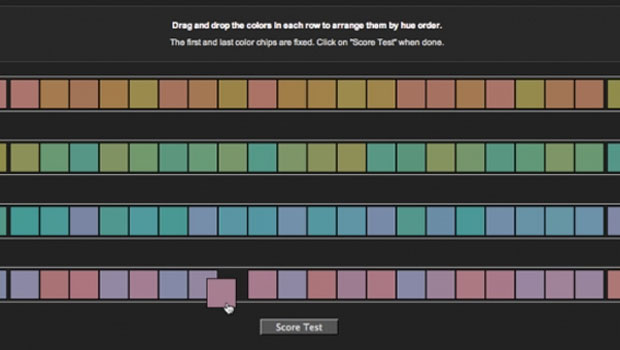
Do You Have a Color Vision Deficiency?
Want to find out if you have any deficiencies in your color vision? Try the the...

Create Easy 3D Text Effects with Retrolift Photoshop Actions
I know that “flat design” is enjoying its 15 minutes of fame right now, but some...

Importing Photos in Adobe Photoshop Lightroom 4: Part 2
Excerpted from The Adobe Photoshop Lightroom 4 Book: The Complete Guide for Phot...