




Most everything in Photoshop is made of pixels. Don’t get me wrong, pixels are fantastic. For the present, they’re the only means we have to render a continuous-tone image in the digital realm. But they are ultimately finite. And they don’t respond positively to enlargement.
Type is something altogether different.
Although Photoshop shows type in pixels, the program renders it as vectors, meaning that you can enlarge your text all you want without any degradation in quality. Not to mention edit the text, format it, and blend it with a photographic image in ways no other program permits.
Learn how in this surprisingly real-world–if occasionally tongue-in-cheek–video. I explore text wrap, masking, scaling, and more in delicious detail.
This videocast is #38 in Deke’s “Photoshop Top 40” countdown. To catch the others, go to www.deke.com.
This article was last modified on December 17, 2022
This article was first published on July 29, 2009
Commenting is easier and faster when you're logged in!

Recommended for you
How to Format InDesign Pages Fast Using Styles
Learn the incredible power of the Next Style feature in InDesign, which lets you...
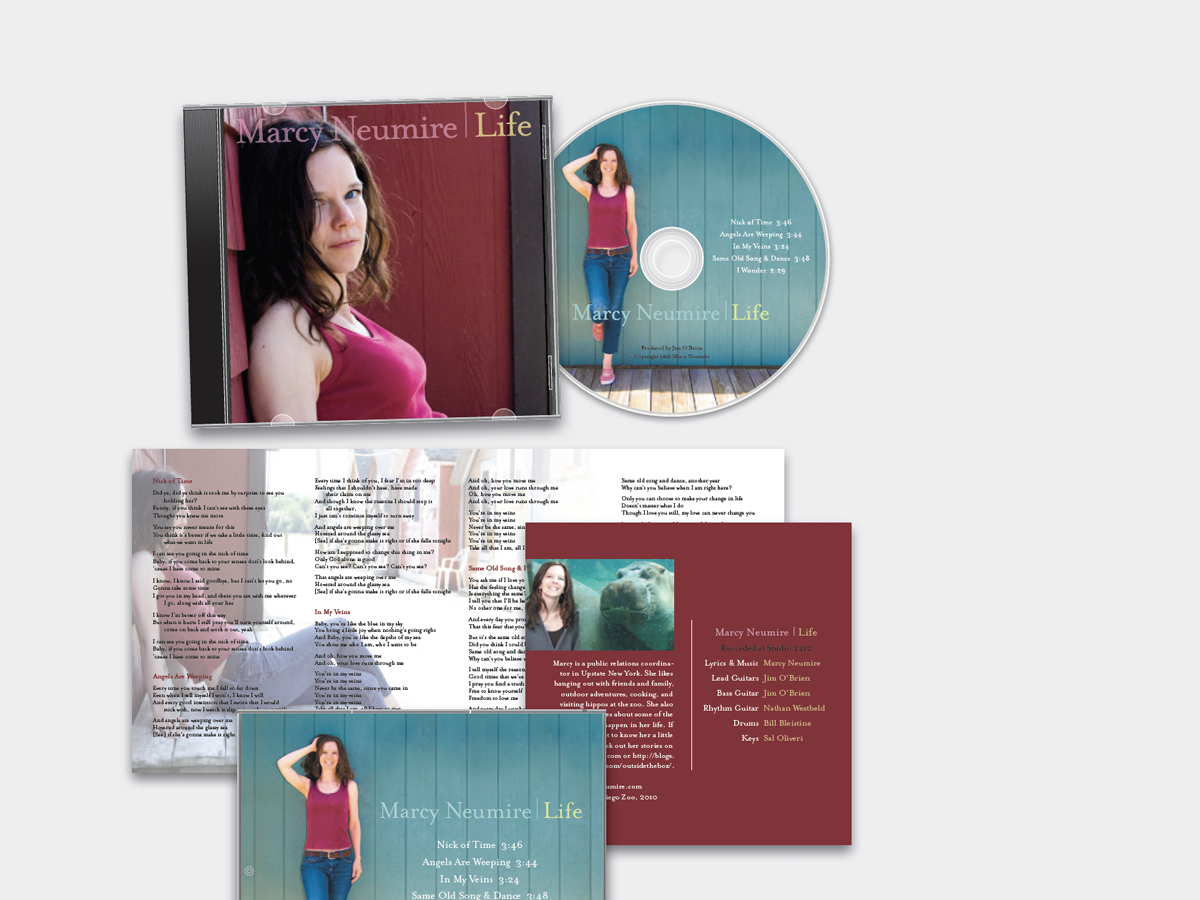
Before&After: Design a CD/DVD Package
We redesign a CD package to make it look as good as the music sounds.

Sort an Index by Page Number
What if you use the index feature but need the result in page number order inste...