




This tutorial is an installment of The Russell Brown Show.
With the help of the crazy Dr. Brown (also known as Russell Brown, senior creative director at Adobe), you’ll see how Photoshop CS3’s new Clone Source panel works with the Clone Stamp tool to create amazing effects.
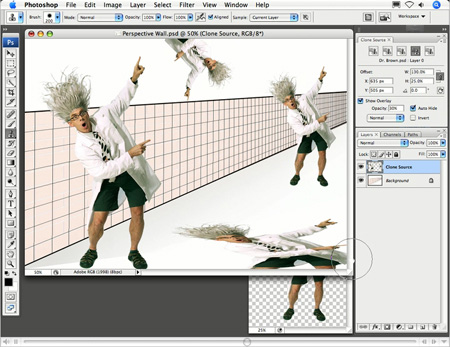
Using the five unique settings of the Clone Source panel, you can create multiples of the mad Dr. Brown!
Click on the image below to begin streaming the 6.4MB QuickTime tutorial:
If you do not have QuickTime installed, you can get it here:

This article was last modified on January 4, 2023
This article was first published on August 10, 2007
Commenting is easier and faster when you're logged in!

Recommended for you

Heavy Metal Madness: The Art of Labor Day, or is it Leisure Day?
I enjoy a three-day weekend as much as anybody, but Labor Day has always struck...
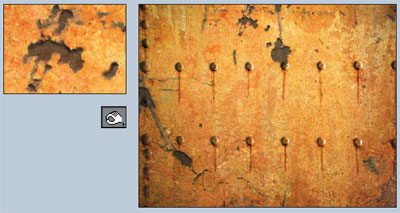
Photoshop How-To: Aging Metal Textures
If, like me, you like the patina of aged, rusty metal, then this Photoshop trick...

How to Create a Cinemagraph in Photoshop
Learn how easy it is to make a cinemagraph, where a portion of a still image is...