




If you use Photoshop’s Magic Wand tool, stop what you’re doing and switch to Color Range. This outrageously useful command lets you select an image as easily as the Magic Wand, but with more flexibility and much better results.
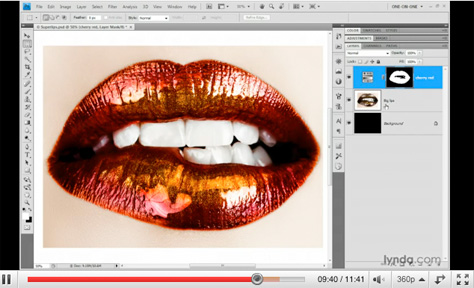
Color Range is Photoshop’s most successful automated masking function, which you can change on the fly and which gives you excellent organic selections. To say Color Range is good is an understatement. Don’t believe me? Click the image below to watch the high-quality video and you’ll find out.
This article was last modified on January 5, 2023
This article was first published on February 26, 2010
Commenting is easier and faster when you're logged in!

Recommended for you


How to Make Anyone into a Clown in Photoshop
If your boss has ever accused you of clowning around in Photoshop instead of doi...

Design How-To: Cropping Photos for Impact
Every designer at one point in time has to work with a lackluster image — a head...