





It has been a week since Adobe announced the availability of the Lightroom 5 beta. Several new features have been added based on the feedback of Lightroom users, including advanced healing options with the Spot Removal tool, the ability to create off-center vignettes, and a one-click perspective correction.
If you want to join in the beta testing party, start by downloading Lightroom 5 from Adobe Labs, then check out these 5 resources to get up and running.
1. The Photoshop.com blog has summaries of the new features and video demos of each.

2. Adobe Evangelist Julieanne Kost has several beta-related posts on her blog, including her favorite new features.
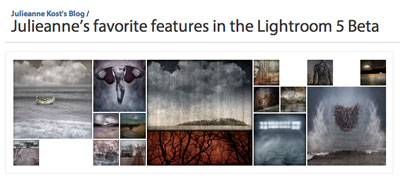
3. Howard Pinsky has posted detailed information and videos of new features at Iceflowstudios.com

4. At lynda.com Chris Orwig has over two hours of video tutorials for members, and several free videos as well.
5. For information straight from the trenches, check out the Lightroom 5 forum to read what other testers are saying.

This article was last modified on April 22, 2013
This article was first published on April 22, 2013
Commenting is easier and faster when you're logged in!

Recommended for you

The Digital Art Studio: Patching Text without the Fonts
How do you fix a typo when you don’t have the correct font? After my beloved stu...

iPhotographer Magazine Free Issue
iPhotographer magazine covers world of mobile photography with inspirational ima...

How to Shoot Raw Photos on Your iPhone (and Why You’d Want To)
You don’t need a DLSR camera to reap the benefits of the raw image format.