


Web How-To: Plan Your Site Right In Dreamweaver



Your site navigation is easy to grasp and hip. Your JPEGs and GIFs convey the site’s message perfectly. But all of that effort is wasted if you haven’t set up the infrastructure properly. As Web designer and author David Sawyer McFarland points out, “A single broken link or missing graphic can interfere with the operation of your entire site, causing personal — even professional — embarrassment.”
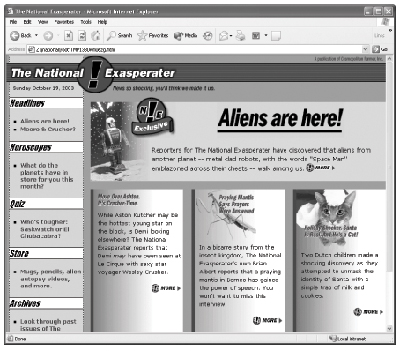
Although it may not be the most glamorous part of your job, site management is one of the most important. This excerpt from the popular book, “Dreamweaver MX 2004: The Missing Manual,” is crammed with site-management tips for everyone from the beginner to the veteran.
We’ve posted this excerpt as a PDF file. To open the PDF file in your Web browser, click “Dreamweaver Site Management.” You can also download the PDF to your machine for later viewing.
To open the PDF, you’ll need a full version of Adobe Acrobat (5 or higher) or the Adobe Reader, which you can download here.
To learn how to configure your browser for viewing PDF files, see the Adobe Reader tech support page.
Excerpted from Dreamweaver MX 2004: The Missing Manual by David Sawyer McFarland (ISBN: 0-596-00631-4). Copyright 2004, O’Reilly Media, Inc. All rights reserved.
This article was last modified on January 8, 2023
This article was first published on May 20, 2005
Commenting is easier and faster when you're logged in!

Recommended for you

The Candy Wrapper Archive is One Sweet Collection of Package Design
If you’re looking for a little typographic inspiration, thoughts on the evolutio...

Scanning Around With Gene: You Meet the Nicest People on the Train
While old movies taught me that train travel was romantic back in the day, I tho...

Using the Blob Brush in Illustrator
Learn how to use Illustrator’s Blob Brush to quickly create hand-drawn filled ve...