



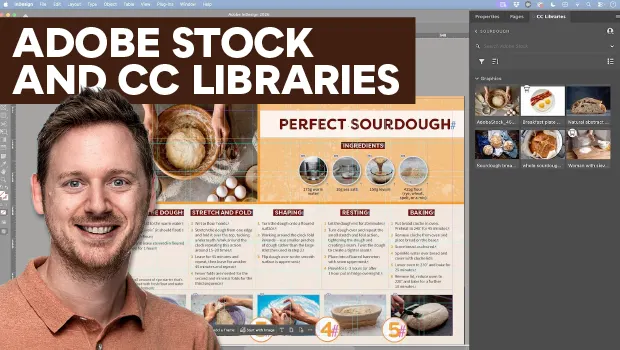
In this how-to video, Bart Van de Wiele shows how to integrate Adobe Stock assets into your layouts using Creative Cloud Libraries. First, he explains how to access free Adobe Stock images online and save them to custom CC libraries. Then, Bart demonstrates how to search for stock images inside InDesign’s library panel and use the Find Similar Images search feature.
Subscribe to the CreativePro YouTube channel for more helpful design tips!
This article was last modified on September 11, 2026
This article was first published on September 11, 2026
Commenting is easier and faster when you're logged in!

Recommended for you

Image Tracing in Illustrator
How to use Image Trace in Adobe Illustrator to convert pixel-based images into v...

How to Quickly Find Similar Images in InDesign
See how easy it is to find similar images to those already in your InDesign layo...
How to Add Texture to Illustrator Artwork
Add character, style and a unique look to your illustrator creations