



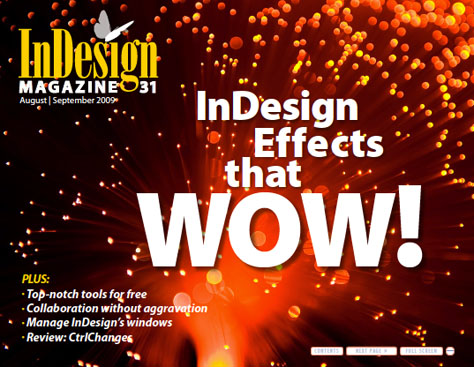
This article is excerpted from the August/September 2009 issue of InDesign Magazine, #31. Subscribe to InDesign Magazine.
Of course, InDesign well-suited to laying out serious documents. But when you want to have a little fun, you don’t have to turn to Photoshop or Illustrator — you can stay with your old friend.
Seven experts show you how to create effects within InDesign that’ll make you say “Wow!”
Here are the seven tutorials in this excerpt:
1. Down ‘n’ Dirty Duotones, by Diane Burns
2. Rip It Good: Simulate Torn paper, by Mike Rankin
3. Create Reflections in InDesign, by Mike McHugh
4. Jellify Anything, by Mike McHugh
5. Interactive InDesign PDF or SWF Image Gallery, by Rufus Deuchler
6. Ghostly, Gaussian, Grungy Type, by David Blatner
7. Pimp Your Drop Caps, by Ted LoCascio
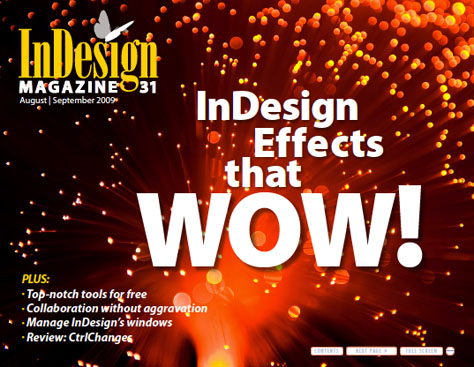
To download the excerpt as a PDF file, click the image below.
This article was last modified on January 5, 2023
This article was first published on December 17, 2009
Commenting is easier and faster when you're logged in!

Recommended for you

Which Photoshop Content-Aware Feature Should You Use?
In Photoshop, content-aware features make automatic edits such as seamlessly ble...

Top CreativePro Articles of 2015
What a year 2015 has been for us at CreativePro.com and for you, our readers! Th...

TypeTalk: The Ins and Outs of F-ligatures
F-ligatures are special characters found in just about every professional font....