




In this InDesign how-to video, David Blatner shows off a great trick for finding all the files that contain a specific image using Bridge. Taken from his CreativePro Week session “The Best of InDesign Secrets” with Anne-Marie Concepción, he sets up specific criteria to search the metadata in all files within a given folder.
Check out new tutorials every other Tuesday on our InDesign Secrets YouTube channel, then join the discussion on our Facebook group!
This article was last modified on August 29, 2025
This article was first published on October 21, 2020
Commenting is easier and faster when you're logged in!

Recommended for you
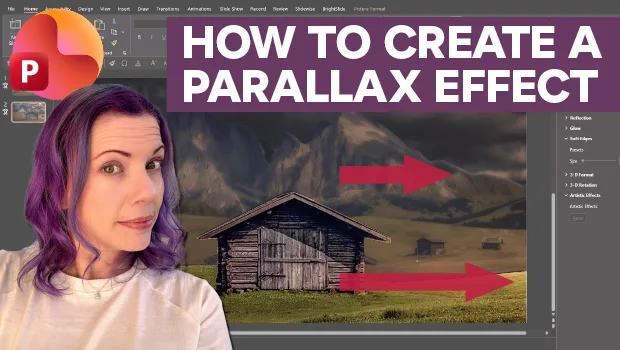
Create Parallax Transitions in PowerPoint
Create dramatic 3D scenes with Stephy Hogan using Morph.

Nashville in Focus: CreativePro Week 2026 Photo Walks
A look at Music City through the lenses of the CreativePro community

Editor’s Picks for The Design + Accessibility Summit 2026
Our Editor in Chief lists his must-see sessions for The Design + Accessibility S...